ERP systems are the operational backbone of modern enterprises. They connect finance, procurement, inventory, manufacturing, supply chain, sales, HR, and reporting into one integrated business environment.
According to SAP, ERP helps organizations streamline core processes and create a single source of truth across business functions.
But as businesses grow, older ERP systems often become a barrier instead of an enabler. Legacy ERPs may struggle with scalability, integration, real-time reporting, compliance, automation, and AI-readiness. That is why many organizations are now prioritizing ERP migration to modernize their business operations and prepare for future growth.
However, erp system migration is not just a technical software shift. It is a business transformation initiative that impacts data, processes, people, reporting, integrations, compliance, and customer experience.
Gartner notes that data migrations are complex, expensive, and often disrupted by unexplored business requirements.
This guide explains what ERP migration means, why it matters, the common challenges, the best migration approaches, and how businesses can execute a successful ERP system migration with minimum risk.
What is ERP Migration?
ERP migration is the process of moving business data, workflows, configurations, integrations, and processes from an existing ERP system to a new or upgraded ERP platform.
This can include moving from:
- Legacy ERP to modern cloud ERP
- On-premise ERP to cloud ERP
- One ERP vendor to another ERP platform
- Multiple fragmented systems to a single centralized ERP
- An older ERP version to a newer version
- Custom-built ERP to standardized enterprise ERP
- Department-level tools to a unified enterprise resource planning system
An ERP system migration typically involves data extraction, data cleansing, data mapping, configuration, customization, integration, testing, user training, go-live planning, and post-migration support.
The goal is not just to transfer data from one system to another. The real goal is to improve business efficiency, create better data visibility, reduce manual work, and enable faster decision-making.
Why Businesses Need ERP Migration
Many organizations delay ERP migration because it feels risky, costly, and disruptive. But delaying too long can create even bigger business challenges.
1. Legacy ERP Systems Limit Business Growth
Older ERP platforms often cannot keep up with modern business requirements. As companies expand across locations, product lines, regions, and channels, legacy ERPs may become slow, rigid, and difficult to scale. Common issues include:
- Limited automation
- Poor reporting capabilities
- Manual data entry
- Difficult integrations
- Slow system performance
- High maintenance costs
- Lack of mobile access
- Limited cloud readiness
A modern ERP system can help businesses manage growth with better speed, accuracy, and visibility.
2. Businesses Need Real-Time Data Visibility
Modern enterprises cannot rely on outdated reports and disconnected spreadsheets. Business leaders need real-time visibility into inventory, orders, cash flow, supplier performance, production, demand, and profitability.
ERP migration enables organizations to create a centralized data foundation where teams can access accurate and updated information from one platform. This improves:
- Financial planning
- Operational control
- Demand forecasting
- Procurement decisions
- Inventory optimization
- Customer service
- Compliance reporting
3. Cloud ERP Adoption Is Increasing
Cloud ERP platforms are becoming the preferred choice for many businesses because they offer scalability, flexibility, easier updates, remote accessibility, and lower infrastructure dependency.
Migrating to cloud ERP can help companies reduce the burden of maintaining servers, managing upgrades, and supporting outdated infrastructure.
Cloud ERP also supports faster innovation through automation, analytics, AI, and API-based integrations.
4. ERP Migration Supports Digital Transformation
ERP migration is often the foundation for larger digital transformation initiatives. Without a modern ERP, businesses struggle to adopt advanced capabilities such as AI-driven forecasting, predictive analytics, process automation, customer intelligence, and real-time dashboards.
McKinsey highlights that ERP modernization can help enterprises improve outcomes when they take a product and platform approach instead of treating ERP upgrades as isolated technical projects.
A well-planned ERP system migration makes the business more agile, connected, and data-driven.
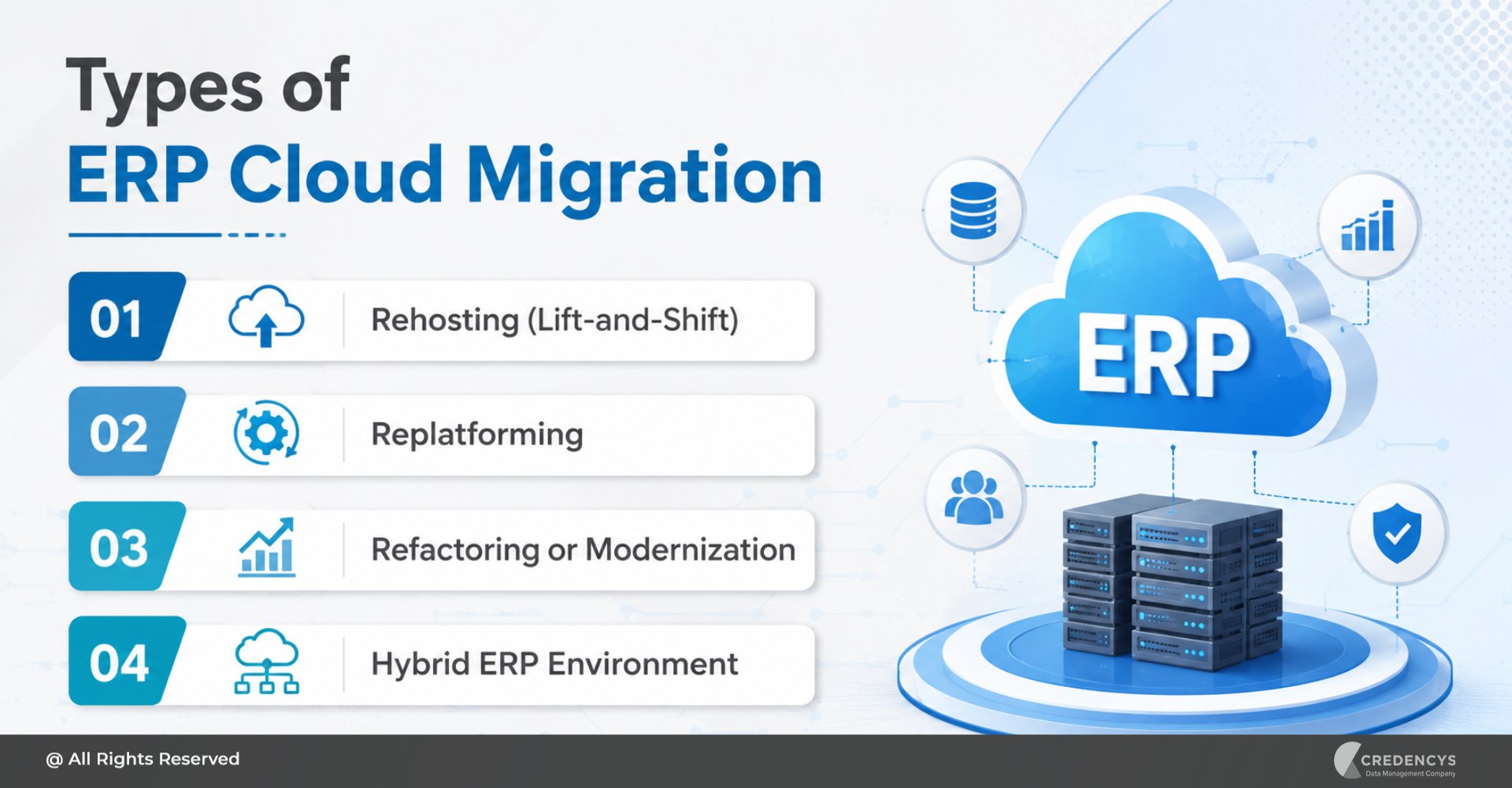
Types of ERP Migration
Not every ERP migration project is the same. The right approach depends on your current system, future goals, business complexity, and risk tolerance.
1. Legacy ERP to Modern ERP Migration
This is one of the most common types of ERP migration. Businesses move from outdated ERP software to a modern ERP platform that supports automation, scalability, and better integrations. This migration is suitable when the existing ERP:
- Is no longer supported by the vendor
- Has high maintenance costs
- Cannot integrate with modern tools
- Lacks real-time reporting
- Slows down operations
2. On-Premise ERP to Cloud ERP Migration
In this approach, businesses move from locally hosted ERP infrastructure to a cloud-based ERP platform.
This helps reduce infrastructure dependency and improves accessibility, scalability, and disaster recovery. Cloud ERP migration is ideal for companies that want:
- Remote access
- Faster upgrades
- Lower IT infrastructure burden
- Better scalability
- Subscription-based ERP models
- Easier integration with cloud applications
3. ERP Version Upgrade Migration
Sometimes businesses do not change the ERP platform completely. Instead, they migrate from an older version of the same ERP to a newer version.
This may still involve significant data migration, configuration changes, testing, and user training.
4. Multi-System to Single ERP Migration
Many growing companies use different tools for finance, inventory, HR, sales, procurement, and operations. Over time, this creates data silos and operational inefficiencies.
A multi-system ERP migration consolidates fragmented systems into one integrated ERP platform. This improves:
- Data consistency
- Process standardization
- Reporting accuracy
- Cross-functional collaboration
- Operational control
5. ERP Vendor-to-Vendor Migration
This involves moving from one ERP provider to another, such as migrating from a legacy ERP to Odoo, SAP, Oracle NetSuite, Microsoft Dynamics 365, Acumatica, Infor, or another ERP platform.
Vendor-to-vendor ERP migration requires careful planning because data structures, modules, workflows, and configurations may differ significantly.
Key Benefits of ERP Migration
A successful ERP migration can deliver measurable improvements across operations, finance, IT, and business leadership.
1. Improved Operational Efficiency
ERP migration helps automate manual processes and eliminate duplicate work. Teams can manage purchase orders, invoices, inventory, production, sales orders, and approvals from a unified system.
This reduces errors, saves time, and improves productivity.
2. Better Data Accuracy
Poor data quality is one of the biggest reasons ERP projects fail to deliver value. During ERP migration, businesses get an opportunity to cleanse, validate, deduplicate, and standardize their data.
This leads to more accurate reports, better decisions, and fewer operational issues.
3. Centralized Business Visibility
A modern ERP creates a single view of business operations. Instead of relying on disconnected spreadsheets and department-specific tools, leaders can access real-time insights from one platform. This improves visibility into:
- Revenue
- Expenses
- Inventory
- Production
- Procurement
- Customer orders
- Vendor performance
- Cash flow
4. Lower Maintenance Costs
Legacy ERP systems can be expensive to maintain. They often require specialized resources, custom patches, manual upgrades, and outdated infrastructure.
ERP system migration can reduce long-term maintenance costs by moving businesses to a more scalable and supportable platform.
5. Stronger Compliance and Security
Modern ERP systems offer better access controls, audit trails, compliance workflows, and security features. This is especially important for industries such as manufacturing, retail, healthcare, finance, logistics, and distribution.
6. Better Integration with Business Applications
Today’s ERP systems must connect with CRM, eCommerce, POS, WMS, TMS, payroll, banking, tax platforms, supplier portals, analytics tools, and customer data platforms.
ERP migration allows businesses to build a more connected technology ecosystem.
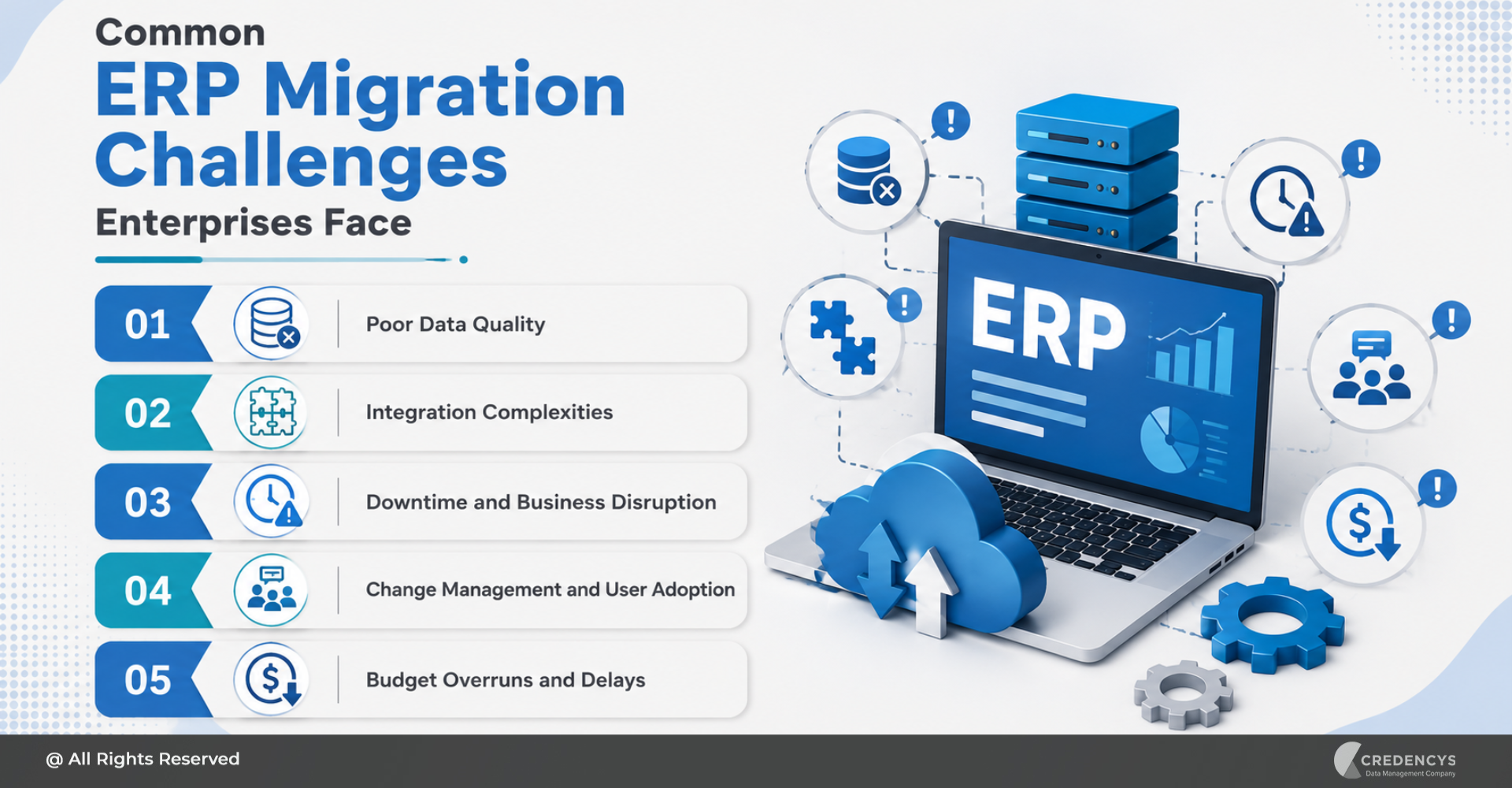
Common ERP Migration Challenges
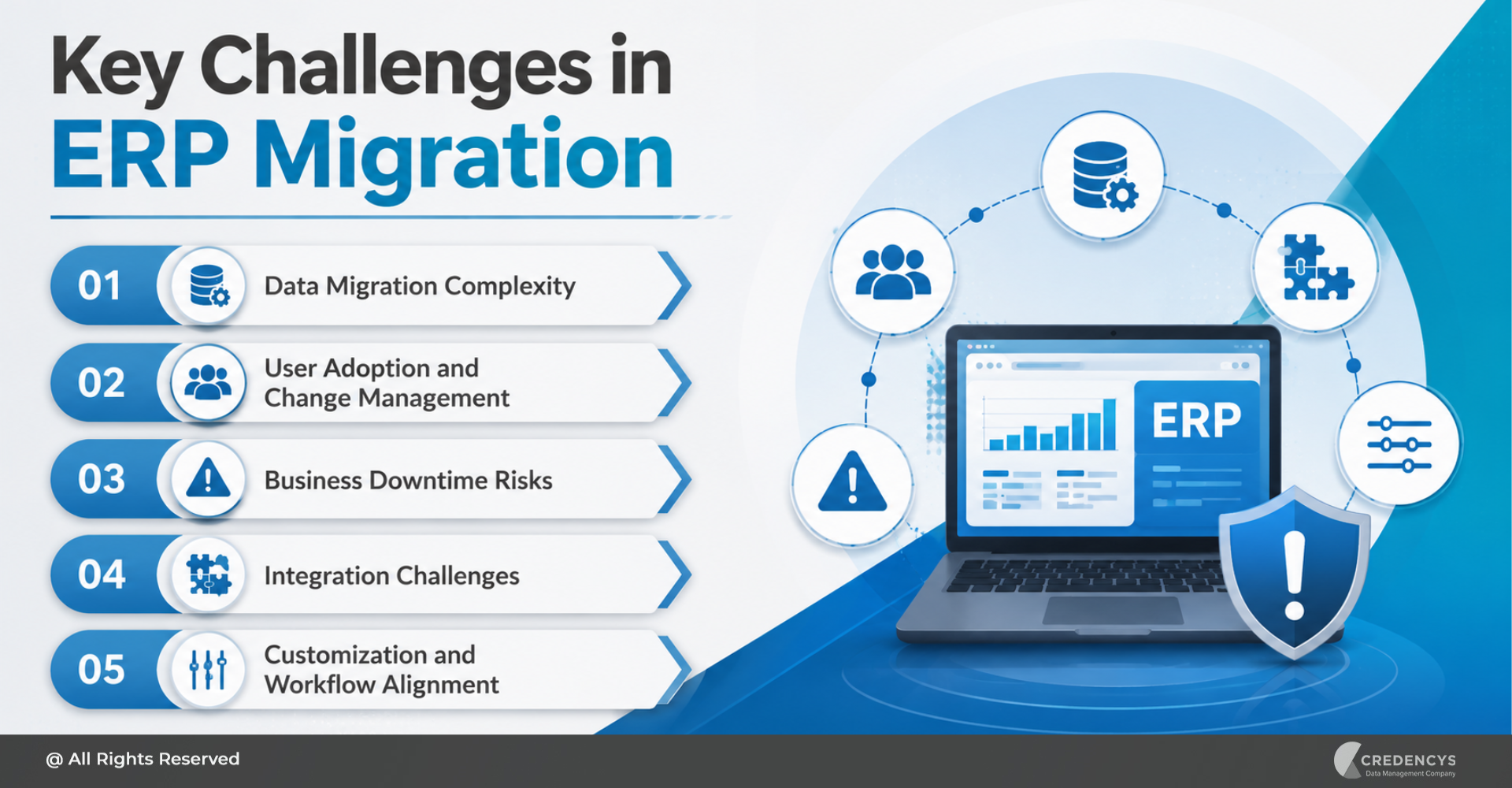
ERP migration can create significant value, but only when managed properly. Without the right strategy, it can lead to delays, cost overruns, data issues, and business disruption.
Gartner predicts that by 2027, more than 70% of recently implemented ERP initiatives may fail to fully meet their original business case goals.
Here are the most common challenges businesses face during ERP system migration.
1. Poor Data Quality
ERP migration often exposes years of duplicate, incomplete, outdated, or inconsistent data. Common data issues include:
- Duplicate vendor records
- Incorrect customer details
- Inconsistent product codes
- Missing tax information
- Unstructured inventory data
- Outdated employee records
- Inaccurate financial balances
If poor-quality data is moved into the new ERP, the new system will continue to produce unreliable reports and process errors.
2. Complex Data Mapping
Every ERP system has its own data structure. Fields, tables, workflows, naming conventions, and business rules may differ between the old and new systems. Data mapping becomes challenging when businesses have:
- Multiple legacy systems
- Custom fields
- Complex product hierarchies
- Region-specific tax structures
- Different chart of accounts
- Custom workflows
- Historical transaction data
Incorrect mapping can lead to broken reports, failed transactions, and compliance risks.
3. Business Process Misalignment
Many companies make the mistake of migrating old processes into a new ERP without reviewing whether those processes are still relevant.
This limits the value of ERP migration. Before migration, businesses should analyze current workflows and redesign them where needed.
4. Integration Complexity
ERP systems rarely operate alone. They are connected to many other business applications. During migration, integrations must be carefully planned, rebuilt, tested, and validated. Common integrations include:
- CRM
- eCommerce
- POS
- Warehouse management system
- Logistics platforms
- Banking systems
- Payroll systems
- BI and analytics tools
- Supplier portals
- Tax and compliance tools
A weak integration strategy can create data silos and process failures after go-live.
5. Downtime and Business Disruption
ERP migration can impact daily operations if not planned properly. Businesses must decide when to migrate, how much downtime is acceptable, and how to manage transactions during the cutover period.
Poor cutover planning can affect:
- Order processing
- Invoicing
- Inventory updates
- Procurement
- Payroll
- Financial closing
- Customer service
6. User Resistance
ERP migration changes how people work. If users are not trained properly, they may resist the new system or continue using old spreadsheets and manual processes.
Change management is just as important as technical implementation.
7. Inadequate Testing
ERP migration requires multiple rounds of testing, including data testing, functional testing, integration testing, performance testing, user acceptance testing, and security testing.
Skipping testing can lead to serious issues after go-live.
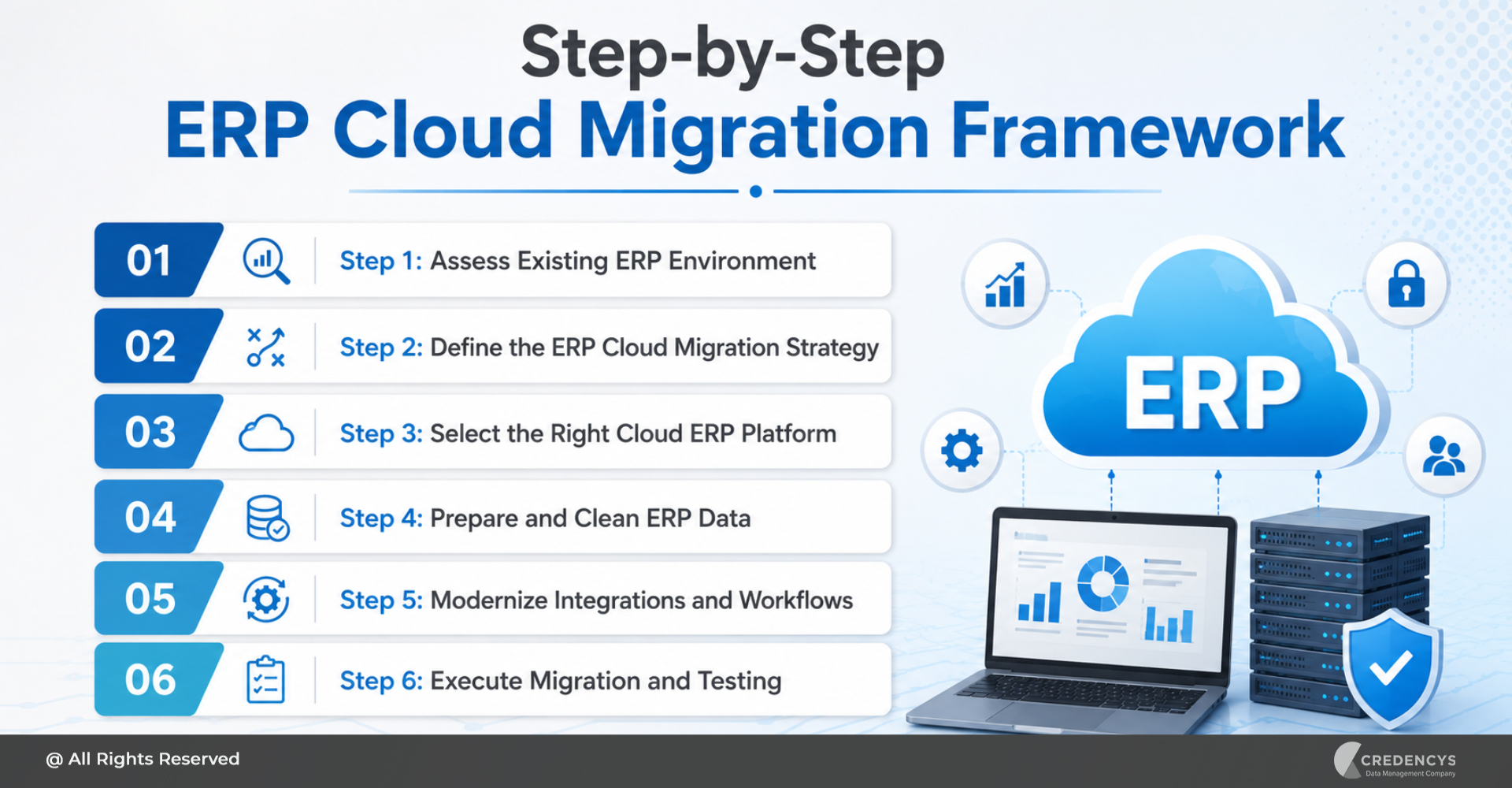
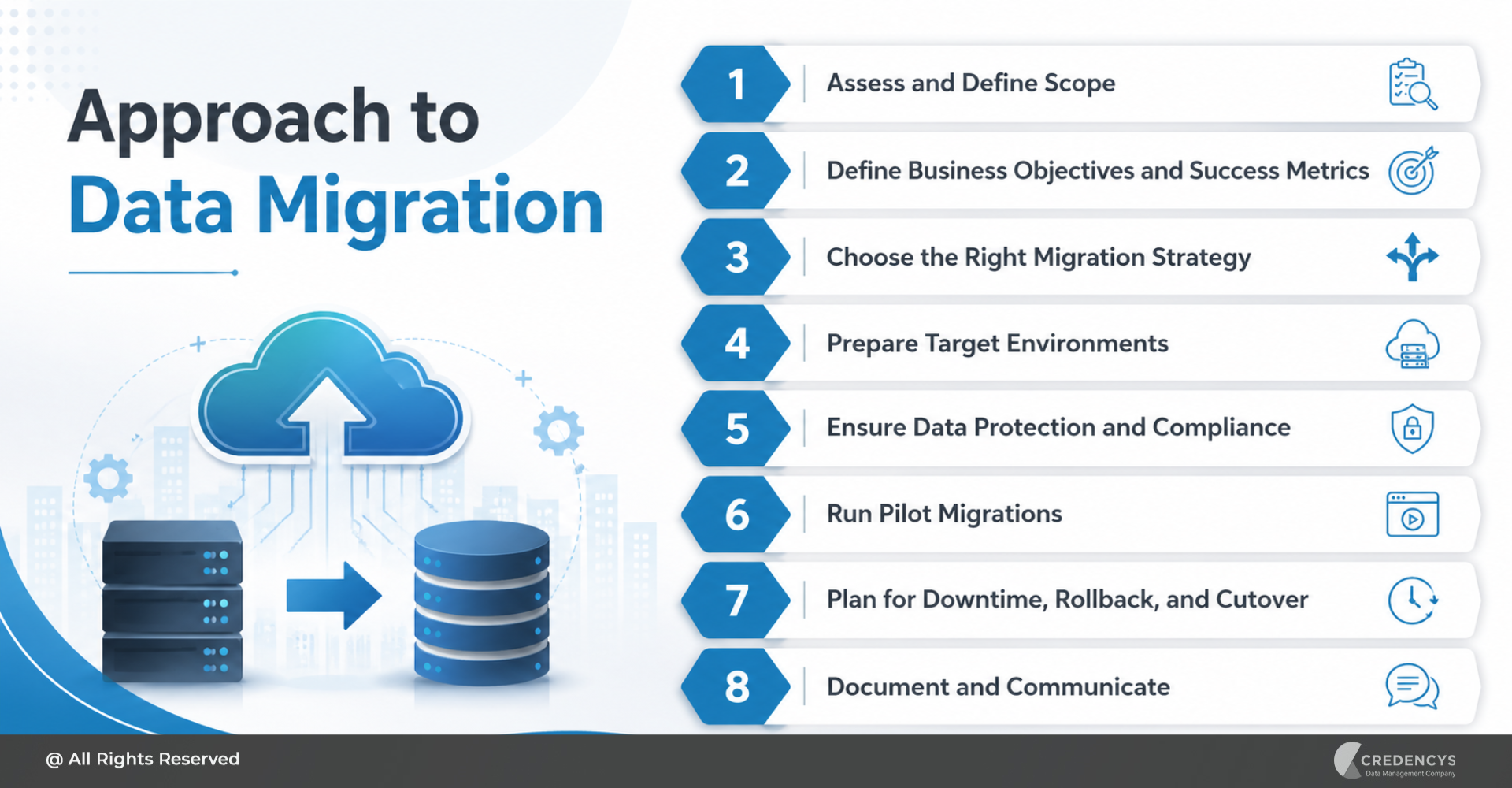
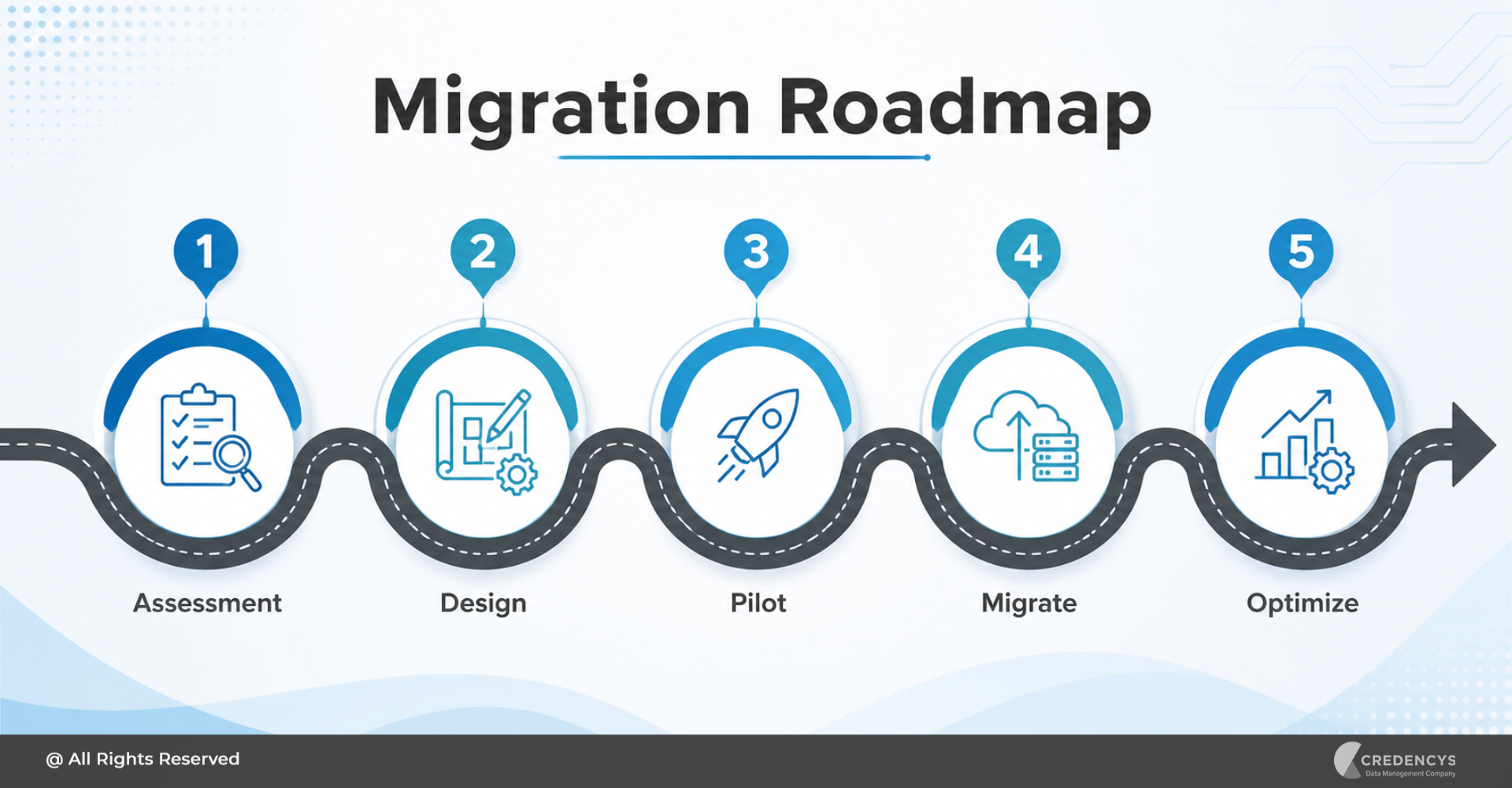
ERP Migration Strategy: Step-by-Step Process
A successful ERP migration requires a structured approach.

Below is a practical ERP migration strategy businesses can follow.
Step 1: Define ERP Migration Goals
Before starting the migration, define why the business is migrating and what success should look like.
Your goals may include:
- Replacing outdated ERP software
- Moving to cloud ERP
- Improving data visibility
- Reducing manual processes
- Standardizing workflows
- Supporting business expansion
- Improving reporting and analytics
- Reducing IT maintenance costs
- Preparing for AI and automation
Clear goals help align business teams, IT teams, vendors, and leadership.
Step 2: Assess the Current ERP System
The next step is to evaluate the current ERP landscape. Review:
- Existing ERP modules
- Data quality
- Customizations
- Reports
- Integrations
- User roles
- Workflows
- Pain points
- Compliance requirements
- System limitations
- Historical data requirements
This assessment helps identify what should be migrated, improved, archived, or eliminated.
Step 3: Build a Business-Led Migration Plan
ERP migration should not be owned by IT alone. It should involve finance, operations, procurement, supply chain, sales, HR, compliance, and leadership teams. A business-led migration plan should include:
- Scope of migration
- Business requirements
- Data migration strategy
- Integration plan
- Testing plan
- Change management plan
- Cutover strategy
- Training plan
- Risk management plan
- Success metrics
This ensures the new ERP supports actual business needs.
Step 4: Clean and Prepare ERP Data
Data preparation is one of the most important stages of ERP system migration.
Before moving data, businesses should:
- Remove duplicate records
- Standardize naming conventions
- Validate customer and vendor data
- Clean product and inventory data
- Review financial data
- Archive obsolete records
- Correct incomplete fields
- Define data ownership
- Set data governance rules
Clean data improves the accuracy and reliability of the new ERP system.
Step 5: Map Data Between Old and New ERP Systems
Data mapping defines how fields from the old ERP will move into the new ERP. For example:
- Old customer ID maps to new customer master ID
- Legacy item code maps to new SKU structure
- Old chart of accounts maps to new financial hierarchy
- Vendor categories map to new supplier classifications
- Historical transactions map to new reporting fields
Data mapping should be reviewed by both technical and business users to avoid errors.
Step 6: Decide What Data to Migrate
Not all data should be migrated. Businesses should decide whether to migrate:
- Master data
- Open transactions
- Historical transactions
- Financial balances
- Customer records
- Vendor records
- Product data
- Inventory records
- Employee data
- Contracts
- Audit logs
- Attachments and documents
In many cases, older data can be archived instead of migrated into the new ERP. This improves system performance and reduces migration complexity.
Step 7: Configure the New ERP System
Once the migration scope is clear, configure the new ERP based on future-state processes. Configuration may include:
- Company structure
- Chart of accounts
- Approval workflows
- User roles
- Tax rules
- Inventory locations
- Procurement rules
- Sales workflows
- Reporting dashboards
- Compliance settings
- Access permissions
The goal is to align ERP configuration with business operations.
Step 8: Build and Test Integrations
The new ERP must connect with other systems across the enterprise. Before go-live, test all integrations carefully. Key checks include:
- Data sync accuracy
- API performance
- Error handling
- Duplicate prevention
- Transaction flow
- Security controls
- Real-time or batch sync logic
- Reporting dependencies
Integration testing helps prevent business disruption after migration.
Step 9: Run Pilot Migration
A pilot migration allows businesses to test the migration process on a smaller data set before full migration. This helps identify:
- Data mapping issues
- Missing fields
- Transformation errors
- Performance issues
- Validation failures
- User workflow gaps
Pilot migration reduces risk and improves confidence before final cutover.
Step 10: Conduct User Acceptance Testing
User Acceptance Testing, or UAT, ensures that business users can perform their daily tasks in the new ERP. UAT should include real-world scenarios such as:
- Creating purchase orders
- Processing invoices
- Managing inventory
- Generating financial reports
- Creating sales orders
- Running payroll
- Approving workflows
- Closing accounting periods
- Managing supplier records
Business users should confirm that the new ERP supports their workflows correctly.
Step 11: Plan the Go-Live Cutover
The cutover plan defines how the business will move from the old ERP to the new ERP. A strong cutover plan should include:
- Final data extraction schedule
- Data freeze period
- Backup plan
- Migration execution steps
- Validation checklist
- Rollback plan
- Communication plan
- Business continuity plan
- Go-live support team
- Issue escalation process
Cutover planning is critical for reducing downtime and operational risk.
Step 12: Provide User Training
Even the best ERP system can fail if users do not know how to use it properly. Training should be role-based and practical. For example:
- Finance users need training on accounts, reports, and closing processes
- Procurement users need training on purchase orders and supplier management
- Warehouse teams need training on inventory transactions
- Sales teams need training on order processing
- Managers need training on dashboards and approvals
Good training improves adoption and reduces resistance.
Step 13: Go Live and Monitor Performance
After go-live, monitor the ERP system closely. Track:
- Data accuracy
- Transaction success rate
- System performance
- User issues
- Integration errors
- Report accuracy
- Workflow completion
- Business continuity
- Support tickets
The first few weeks after go-live are critical for stabilization.
Step 14: Optimize After Migration
ERP migration does not end at go-live. Once the system is stable, businesses should continue optimizing workflows, reports, dashboards, integrations, and automation. Post-migration optimization may include:
- Improving dashboards
- Automating approvals
- Refining workflows
- Enhancing reports
- Adding integrations
- Improving user roles
- Strengthening governance
- Introducing AI and analytics
This helps the business get maximum value from the new ERP system.
ERP Migration Best Practices
To improve the success of your ERP migration, follow these best practices.
1. Treat ERP Migration as a Business Project
ERP migration is not just an IT activity. It affects business operations, finance, supply chain, procurement, customer service, and leadership reporting. Include business stakeholders from the beginning.
2. Do Not Migrate Bad Data
Migrating poor-quality data into a new ERP creates long-term problems. Clean, validate, and standardize data before migration.
3. Avoid Unnecessary Customization
Too much customization increases complexity, cost, and future maintenance effort. Use standard ERP capabilities wherever possible.
4. Prioritize Critical Processes
Focus first on the processes that directly impact business continuity, such as finance, procurement, order management, inventory, and reporting.
5. Create a Strong Testing Strategy
Test data, workflows, integrations, reports, permissions, and performance before go-live.
6. Plan for Change Management
Communicate early, train users properly, and involve department leaders throughout the migration.
7. Maintain Data Governance
Define who owns data, who can modify it, and how data quality will be maintained after migration.
8. Keep a Rollback Plan Ready
Even with good planning, issues can happen. A rollback plan ensures the business can recover quickly if the migration faces critical problems.
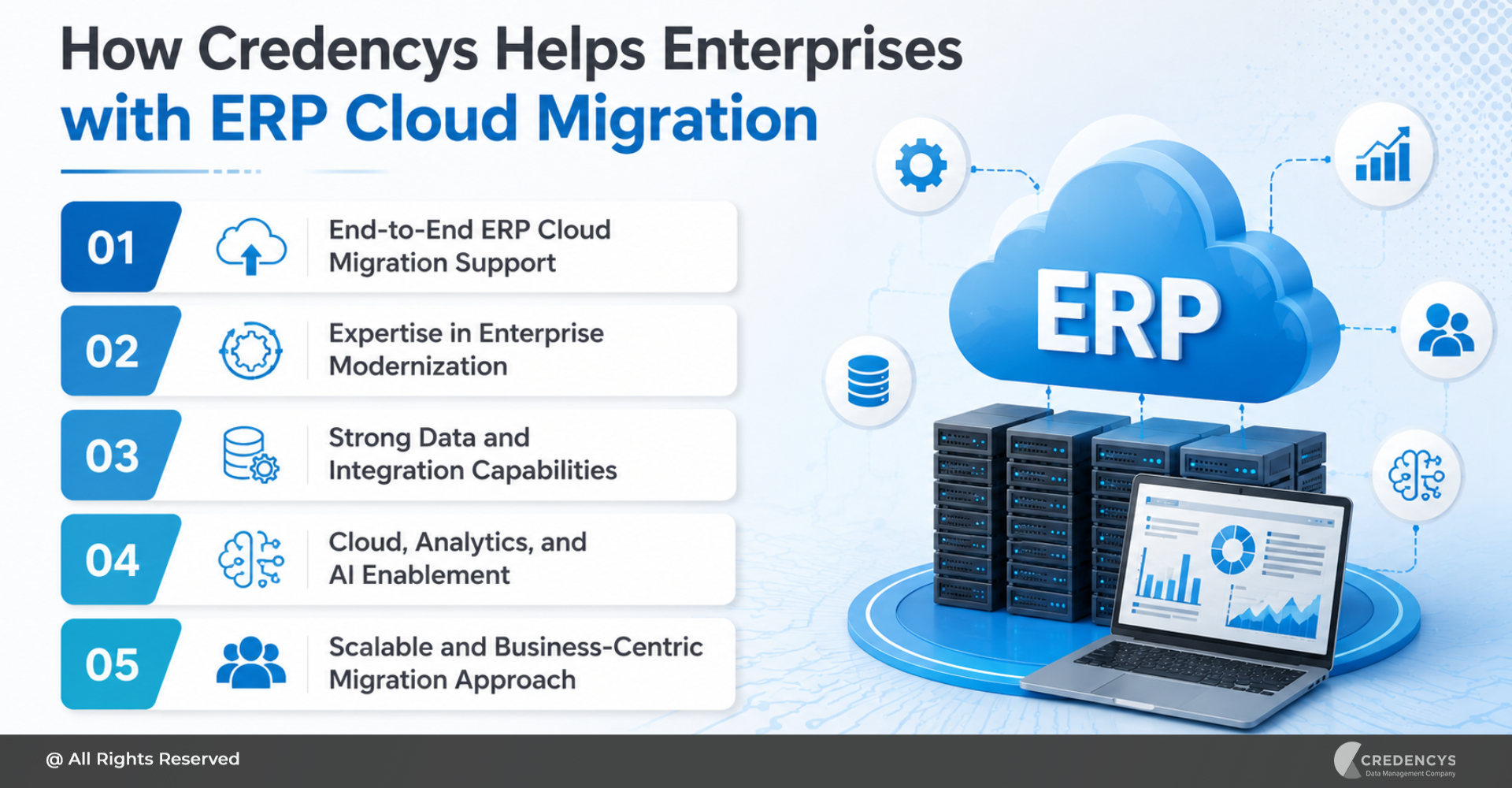
How Credencys Can Help with ERP Migration
Credencys helps enterprises plan and execute ERP migration with a structured, business-first approach. From legacy data assessment to ERP data migration, integration, validation, and post-go-live support, our experts help businesses move to modern ERP platforms with greater confidence. We help you with:
- ERP migration strategy and roadmap
- Legacy ERP data assessment
- Data cleansing and standardization
- ERP data mapping and transformation
- Master data migration
- Historical data migration
- System integration support
- Testing and validation
- Cutover planning
- Post-migration optimization
Whether you are moving from a legacy ERP to cloud ERP, consolidating multiple systems, or upgrading to a modern ERP platform, Credencys helps you reduce risk and accelerate business value.
Conclusion
ERP migration is a critical step for businesses that want to modernize operations, improve data visibility, reduce manual work, and prepare for future growth.
But successful ERP system migration requires more than moving data from one platform to another. It requires a clear strategy, clean data, strong governance, business alignment, careful testing, user training, and post-go-live optimization.
With the right approach, ERP migration can transform the way your business operates. It can help you create a connected, scalable, and intelligent ERP foundation that supports better decisions, faster processes, and long-term growth.
FAQs on ERP Migration
1. What is ERP migration?
ERP migration is the process of moving business data, workflows, configurations, and integrations from an existing ERP system to a new or upgraded ERP platform.
2. Why is ERP migration important?
ERP migration helps businesses replace outdated systems, improve data visibility, automate processes, reduce manual work, and support business growth.
3. What is ERP system migration?
ERP system migration means transferring business operations, data, users, reports, and integrations from one ERP system to another or from an older ERP version to a newer one.
4. What are the main challenges in ERP migration?
The main challenges include poor data quality, complex data mapping, integration issues, downtime, user resistance, inadequate testing, and unclear business requirements.
5. How do you prepare for ERP migration?
Start by assessing the current ERP system, defining migration goals, auditing data, identifying integrations, cleaning data, mapping processes, and creating a detailed migration plan.