

Pimcore Agent SDK: What It Is and What It Means for Your PIM
The Pimcore Agent SDK is Pimcore’s framework for running AI agents inside the platform, so they work with your product data under their own identity and permissions, like a team member. Pimcore announced it in April 2026.
This guide explains what it is, how approval works, how it differs from Copilot and MCP, what it could do for a large catalog, and how to prepare your product data.
Short answer: In short, agents can search, read, and propose changes to products, assets, documents, and tags. A person reviews each proposal before it is written, so your team stays in control. Now is a good time to prepare your product data.
What Is the Pimcore Agent SDK?
Most AI features in product data tools are single actions: a button that writes a description, or a script that copies data out to a model and back. Pimcore’s idea is different. Agents sit inside the platform and use the same governed channels as your people, with an identity, permissions, and a record of what they did.
You will see two names. Agent SDK is the framework Pimcore announced. Agent Bundle is the add-on documented for Pimcore Studio, which gives business users chat agents in the Pimcore admin screen.
Developers or an implementation partner install and configure it; product data teams then use it.
How Pimcore Agent SDK Agents Work: Permissions, Proposals and Approval
This matters most for a large catalog, because one wrong bulk change can reach every channel.
- Several agents, each with its own setup. Each agent has its own AI model, tools, skills, and permissions.
- Read, propose, or write. The 35+ built-in tools are grouped into read, propose, and direct-write access.
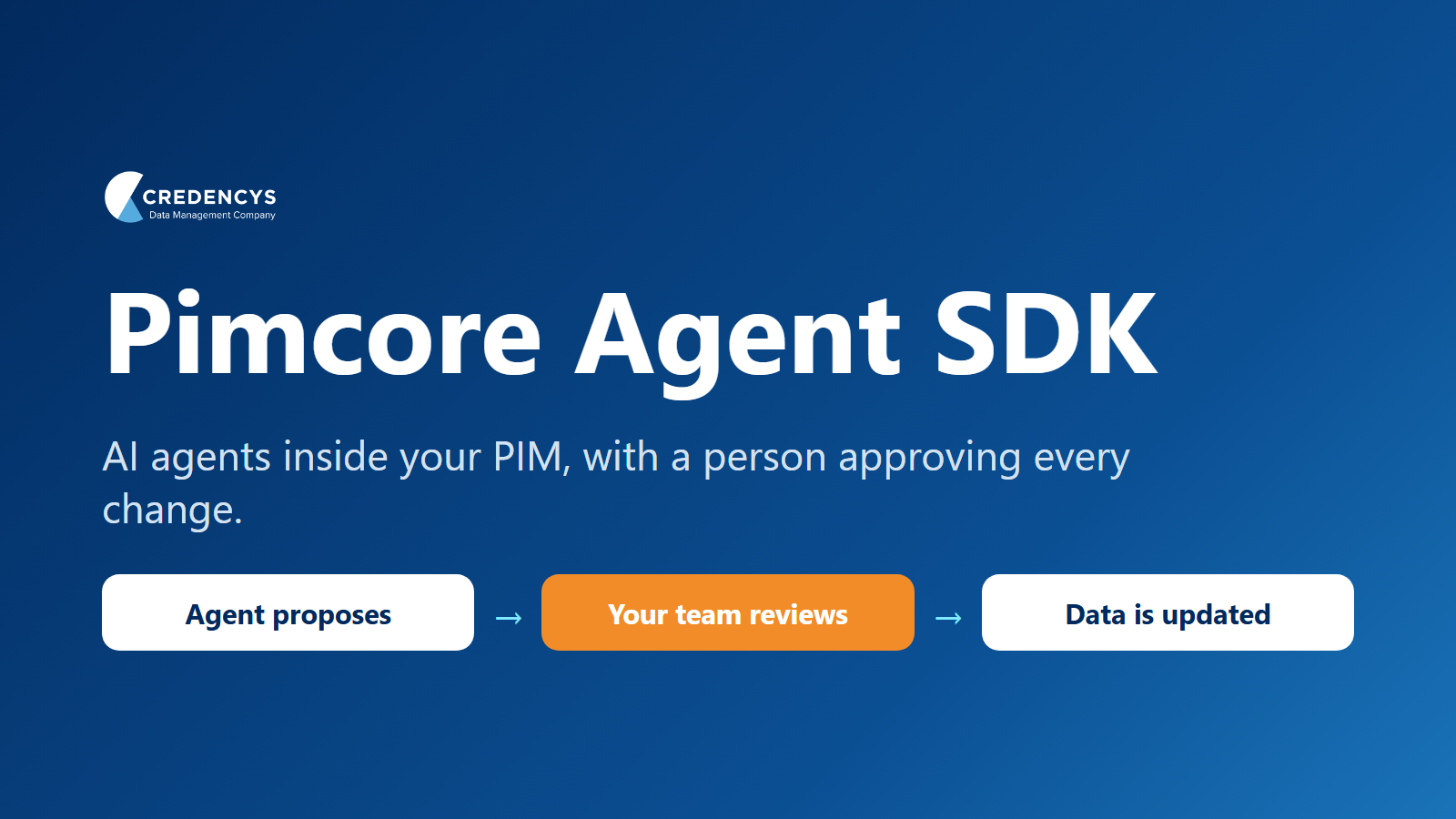
- Every write is reviewed by default. Changes arrive as proposals with a before-and-after view. A reviewer approves them one at a time or in batches and can request changes. Agents write directly only if you configure that.
- Autonomy grows in stages. Pimcore describes starting with tight human oversight and widening it as trust builds, not full automation.
Pimcore Agent SDK vs Copilot vs MCP
These three get mixed up. They do different jobs.
| What it is | Who uses it | |
|---|---|---|
| Agent SDK and Agent Bundle | Agents that work inside Pimcore with permissions and reviewed proposals | Product data teams in Pimcore Studio, set up by developers or a partner |
| Pimcore Copilot | Pimcore’s assistant for running AI and automation actions. Since 2026.3, it can hand tasks to Agent | Pimcore users |
| MCP (Model Context Protocol) | An open standard that lets outside AI tools connect to Pimcore data, including through Datahub Simple REST | Developers connecting external AI tools |
The 2026.3 release also added headless agent tasks and a link to the Pimcore Workflow Engine, so agent work can run in the background as part of your existing business processes.
What Is Available Today
- Release: an early release. Pimcore labels the Agent Bundle a beta in Platform Version 2026.3, and its MCP support through Datahub Simple REST is a final release.
- Version: it needs Pimcore 2026.x and the Change Control bundle (installation guide). If you run an older version, plan the upgrade first.
- AI model: by default, agents run on Claude Haiku 4.5 through GitHub Copilot. You can configure other providers, including Anthropic, OpenAI, and Ollama.
- Editions: ask Pimcore or your implementation partner which editions include it.
What the Pimcore Agent SDK Could Do for a Catalog With 10,000+ Products
These are the kinds of tasks Pimcore describes:
- Overnight enrichment. Agents fill gaps across a large product range, and your team reviews the proposals in batches the next morning.
- Data quality monitoring. Agents watch for missing or inconsistent attributes, instead of someone finding them after a listing is rejected.
- Supplier data checks. An agent spots anomalies in incoming supplier data and starts a workflow.
How to Get the Most From the Pimcore Agent SDK
- Start with trusted data. As Pimcore puts it, agents depend on trusted, structured data. The better your data model, the better the proposals.
- Name an owner for approvals. Review keeps you in control, so decide who reviews what and how many proposals a day your team can handle.
- Start narrow, then widen. Begin with one task and one product range, and give agents more room as your team builds confidence.
- Connect it to your workflows. Agents work best inside the business processes you already run in Pimcore.
- Plan your supplier data route. Agents work through Pimcore’s data and tools, so set up a clear way for supplier files to reach the platform.
- Choose your AI provider early. You can pick the model that suits your data and budget, and plan for usage as volumes grow.
How to Get Ready for the Pimcore Agent SDK
All of this improves your product data right away, and it sets you up to get the most from agents:
- Check your version. Know what it takes to reach Pimcore 2026.x.
- Tighten the data model. Agents follow your classes and attributes, so unclear ones lead to poor proposals.
- Define what complete means. Set completeness rules for each channel, so an agent has a clear target.
- Set up workflows and roles. Decide who reviews what, and what can never be changed without a person.
- Pick one small pilot. One product range, one task such as filling a missing attribute, on a sandbox.
- Measure before you start. Note hours spent, completeness, and time to publish, so you can tell whether the pilot worked.
Our PIM AI readiness checklist goes through this in more detail, and our guide to AI product descriptions covers one of the most common first tasks.
How Credencys Can Help
We are a Pimcore Strategic Partner with 80+ certified Pimcore experts, and we implement Pimcore for product data, master data, and digital assets. Our advice is simple: get the data model, completeness rules, and workflows right first, because they are what let agents do their best work.
Our free 30-minute PIM assessment covers where your data stands.
Frequently Asked Questions
What is the Pimcore Agent SDK?
It is Pimcore’s framework for AI agents that work inside the platform with their own identity and permissions. Pimcore announced it in April 2026.
Is the Pimcore Agent SDK available now?
Yes, as an early release. The Agent Bundle is documented for Pimcore 2026.x and needs the Change Control bundle. Your implementation partner can advise on timing for your project.
Can agents change product data without approval?
Not by default. Every write goes through a proposal that a person reviews, unless you explicitly configure direct writes.
Is the Pimcore Agent SDK free?
Ask Pimcore or your implementation partner which editions include it, and plan for AI provider usage as volumes grow.
What is the difference between Pimcore Copilot and the Agent SDK?
Copilot is Pimcore’s assistant for running AI and automation actions. The Agent SDK gives agents their own identity, permissions, and reviewed proposals. Since 2026.3, Copilot can hand tasks to Pimcore Agent.
Do I need a partner to use it?
Installation and configuration require developer skills. Business users then work with agents through chat in Pimcore Studio, so you need developers or a partner to set it up.


Tags: