

PIM Implementation Plan: Phases, Timeline and Best Practices
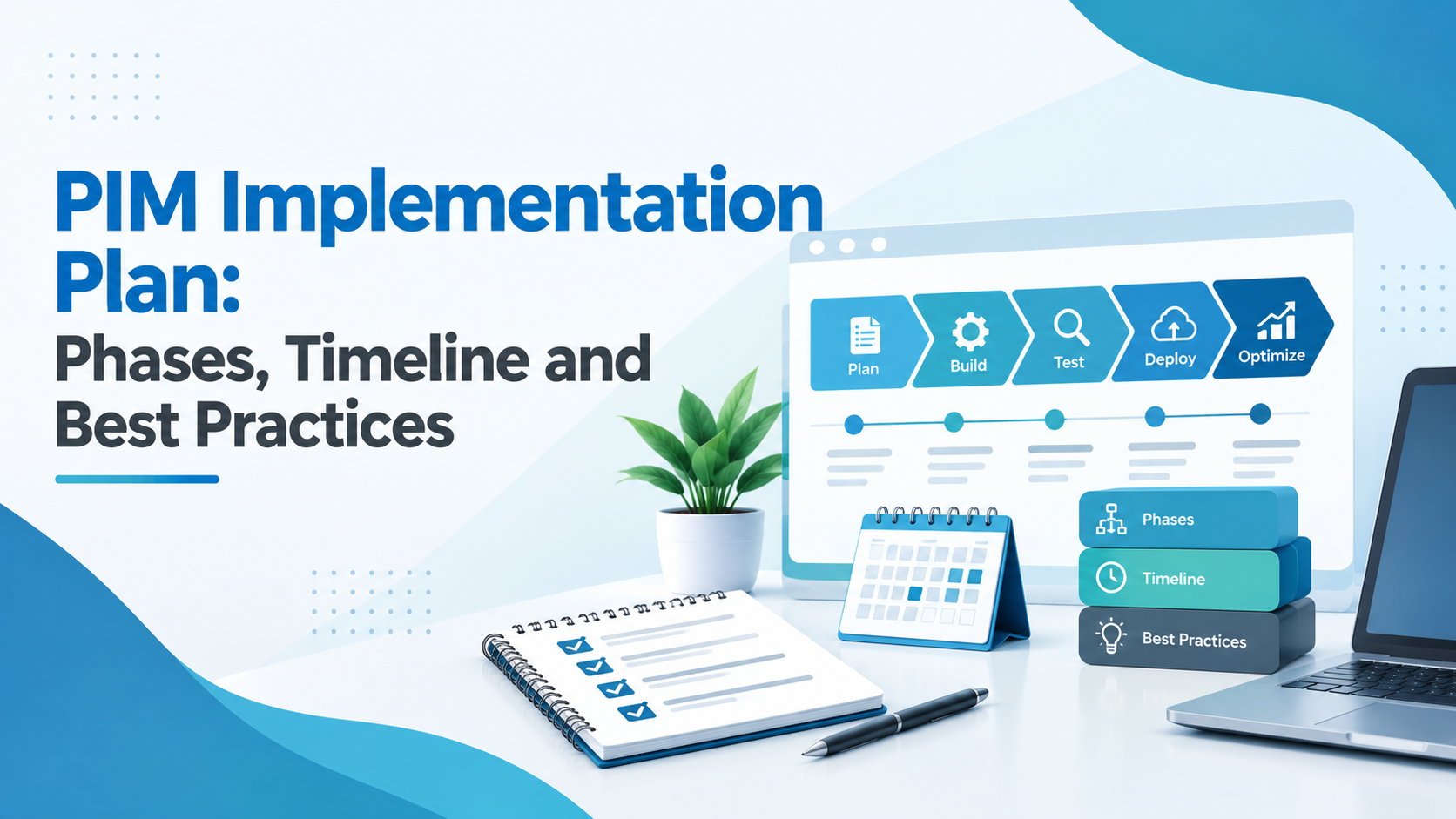
A PIM implementation plan breaks the project into six phases: assess, design, configure, migrate and integrate, validate and launch, then optimise. Each phase has clear deliverables and a sign-off. A focused first release typically takes 3 to 6 months; larger multi-brand programmes run in phases over 6 to 12 months or more.
A product information management (PIM) system touches almost every team that works with product data: product, eCommerce, marketing, IT, suppliers and sometimes customer service. That is why PIM projects rarely fail because of the software. They fail because the plan skipped a step: requirements were vague, the data was migrated as-is, or the business never adopted the new process.
This guide sets out the PIM implementation plan we use, phase by phase, with what each phase delivers, what it depends on, and the best practices that keep projects on track.
1. The PIM implementation plan at a glance
2. Phase 1: Assess
The assessment turns “we need a PIM” into a scope you can plan and budget. It covers where product data lives today, how products move from creation to channel, which data is missing or inconsistent, and which channels drive the project.
The output is a prioritised list of requirements and a clear first release. Our PIM requirements checklist lists the 60 questions we use.
Tip: pick a first release that matters to the business but is small enough to finish: one brand, one category or one channel.
3. Phase 2: Design
Design decides how flexible your PIM will be for years. It covers:
- The product data model: families, attributes, variants, relationships and inheritance.
- Taxonomy and classification: your own categories plus any standards such as ETIM, GS1 or ACES and PIES.
- Governance: who owns which attributes, what is mandatory per channel, and how approvals work.
- Integration design: which system owns which data, and how data moves between them.
Keep the model as simple as your products allow. Over-designed models are hard for business users to maintain.
4. Phase 3: Configure
The platform is configured around the approved design: product classes, attributes, validation rules, workflows, user roles and channel outputs. The most useful milestone here is an early demo with your real products, not sample data. It surfaces gaps while they are still cheap to fix.
Use the platform’s standard features wherever they meet the requirement, and save custom development for what genuinely sets your business apart.
5. Phase 4: Migrate and integrate
Migration is where many projects lose time. Legacy product data usually contains duplicates, inconsistent units, missing attributes and outdated values. Moving it as-is simply moves the problem.
Plan at least two test loads before the final migration, and reconcile counts and key attributes after each one. Our PIM data migration checklist covers the 25 steps.
Integrations are built and tested in parallel: typically the ERP (items, prices, stock), eCommerce platforms, the DAM and any marketplaces or data pools.
6. Phase 5: Validate and launch
Before go-live, test the full journey: a new product created, enriched, approved and published to each channel. Include functional testing, data validation, integration testing and user acceptance testing with the people who will use the PIM every day.
Train users on their real tasks, not on every feature. Plan the cutover with a clear fallback, and launch in phases where possible.
7. Phase 6: Optimise and scale
Go-live is the start, not the end. Track adoption and data quality, fix the friction users report, and then roll out the next categories, markets and channels. Most of the long-term value of a PIM comes in this phase.
8. How long does a PIM implementation take?
It depends on scope. As a rough guide:
The biggest factors are data quality, the number of integrations, how complex your products are, and how quickly decisions are made. A realistic timeline for your catalog comes out of the assessment phase.
9. 12 PIM implementation best practices
- Start with business goals, not features.
- Write requirements before you choose a platform.
- Keep the first release small and valuable.
- Name one product owner who can make decisions.
- Design the data model with the people who use it.
- Agree which system owns which data before building integrations.
- Clean data before you migrate it, not after.
- Run at least two test migrations.
- Prefer standard features over custom development.
- Test with real products and real users.
- Train people on their tasks, and support them after go-live.
- Measure adoption and data quality and keep improving.
PIM implementation plan: quick summary
- Six phases: assess, design, configure, migrate and integrate, validate and launch, optimise.
- Typical duration: 3 to 6 months for a focused first release; 6 to 12 months or more for larger phased programmes.
- Biggest risks: unclear requirements, migrating bad data, too much customisation, low user adoption.
How Credencys helps you build a PIM implementation plan
We plan and deliver PIM projects end to end, from requirements and data model to migration, integrations and go-live. See how our PIM implementation services work, or check what drives budget in our guide to PIM implementation cost. We are partners of Pimcore and Syndigo and give independent advice on other platforms.



Tags: