

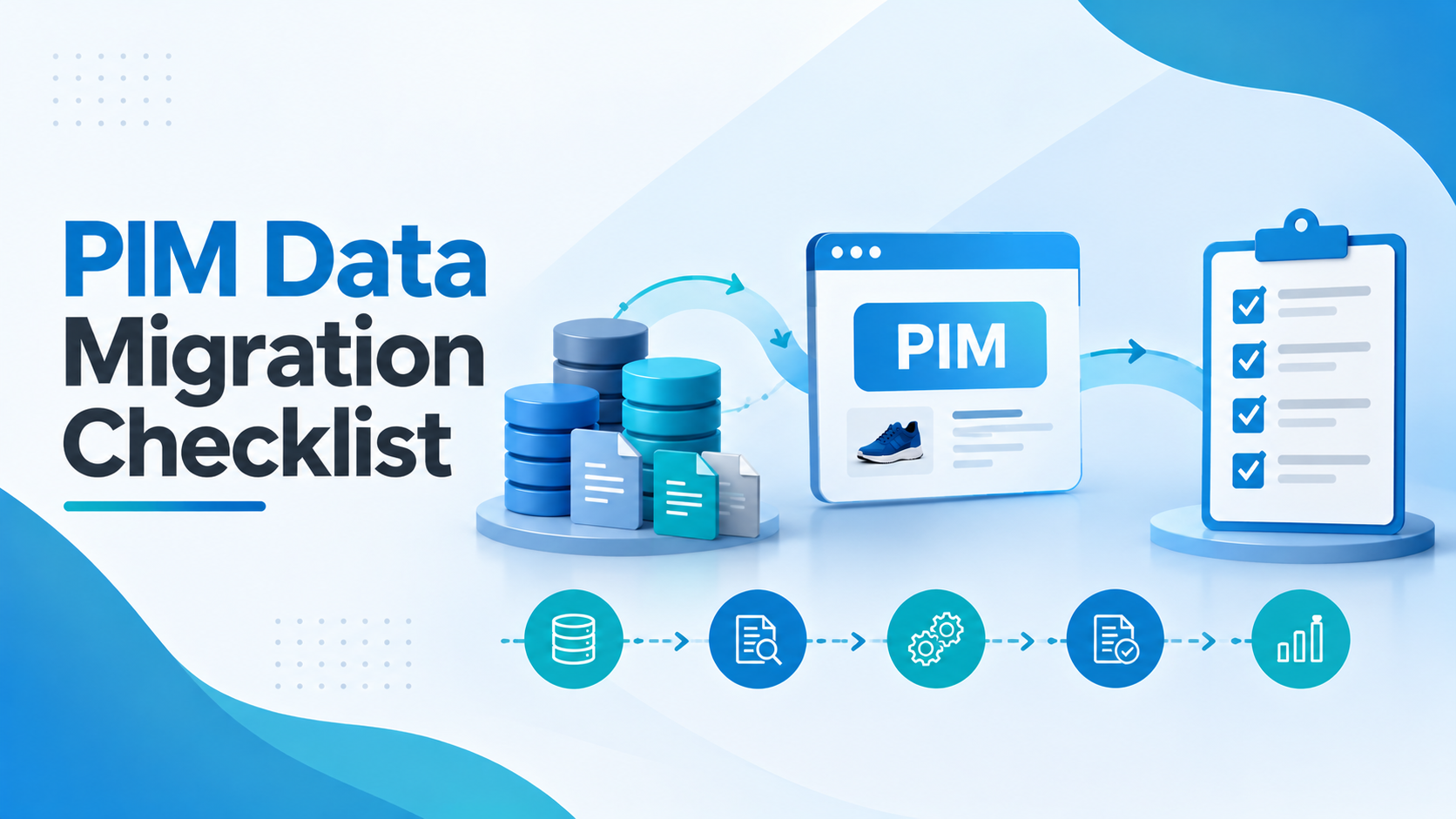
PIM Data Migration Checklist
A PIM data migration checklist is the ordered list of steps for moving product data into a new PIM without losing or corrupting it: audit the source data, map it to the new model, clean it, run test loads, validate the results, plan the cutover and check everything after go-live. This checklist has 25 steps in six stages.
Whether you are moving from spreadsheets, an ERP, a homegrown database, or another PIM, migration is where product data projects most often slip. The data is messier than anyone expected, the new data model doesn’t match the old one, and problems surface after go-live instead of before.
This PIM data migration checklist follows the order we use on every project. Skip none of them, even on a small catalog.
PIM data migration checklist, stage 1: Plan and audit
- List every source of product data: ERP, spreadsheets, the old PIM, eCommerce platforms, supplier files, shared drives and DAM.
- Decide what is in scope. Not every product, attribute, or historical record needs to move. Agree what to archive.
- Profile the data: count products, attributes, duplicates, empty fields, and inconsistent values per source.
- Name a data owner for each attribute group who can make decisions quickly.
- Agree success criteria: for example, 100% of active SKUs migrated, mandatory attributes complete, zero broken relationships.
Stage 2: Map
- Finalize the target data model in the new PIM before mapping starts.
- Map every source field to a target attribute, with the transformation rule (for example, “inches to centimeters”, “Y/N to true/false”).
- Map categories and classifications, including any standard such as ETIM, GS1, ACES, or PIES.
- Map relationships: variants, bundles, accessories, spare parts and cross-sells.
- Map digital assets to the products they belong to, and decide which renditions to keep.
Stage 3: Clean and enrich
- Remove duplicates and agree which record wins when sources disagree.
- Standardize values: units, colors, sizes, brand names, and value lists.
- Fill mandatory gaps or flag them with a clear owner and deadline.
- Fix or retire obsolete data such as discontinued products and dead links.
Stage 4: Test loads
- Run an initial test load with a representative sample from each category.
- Reconcile counts and key attributes between source and target.
- Let business users check real products in the new PIM, not just the IT team.
- Fix the mapping and repeat. Plan for at least two full test loads.
Stage 5: Cutover
- Freeze or log changes in the old system during the final migration window.
- Run the final migration using the tested scripts.
- Validate again: counts, completeness, relationships, and assets.
- Switch integrations and channels to the new PIM, with a fallback plan if something fails.
PIM data migration checklist, stage 6: After go-live
- Monitor channel feeds for rejected or missing listings in the first weeks.
- Track data-quality scores per category and fix issues at the source.
- Retire the old system only after everyone is working in the new PIM.
PIM data migration checklist: quick summary
| Stage | Steps | Done when |
|---|---|---|
| Plan and audit | 1 to 5 | Sources, scope, owners and success criteria agreed |
| Map | 6 to 10 | Every field, category, relationship and asset mapped |
| Clean and enrich | 11 to 14 | Duplicates removed, values standardized, gaps owned |
| Test loads | 15 to 18 | Two clean test loads, signed off by business users |
| Cutover | 19 to 22 | Final load validated, channels switched |
| After go-live | 23 to 25 | Feeds stable, quality tracked, old system retired |
6 mistakes a PIM data migration checklist helps you avoid
- Migrating everything. Moving obsolete products and fields carries old problems into the new system.
- Cleaning after go-live. Once the data is live in channels, every fix takes longer and becomes more visible.
- Mapping before the data model is final. Every model change means remapping.
- Only IT checks the test loads. Business users spot wrong values that technical checks miss.
- No reconciliation. Without counts and checks, customers find missing products.
- No fallback. A cutover without a way back turns a small problem into an outage.
How Credencys helps you complete the PIM data migration checklist
Our PIM migration services cover the full journey, from data audit and mapping to cleansing, test loads, cutover, and support after go-live, whether you are moving from spreadsheets, an ERP, or another PIM. We build data quality in through our product data quality work, so we fix problems before they reach the new system.
FAQ
What is PIM data migration?
PIM data migration is moving product information (products, attributes, categories, relationships and assets) from existing sources such as spreadsheets, an ERP or an older PIM into a new PIM, while cleaning and restructuring it to fit the new data model.
How long does a product data migration take?
It depends on the number of sources, data quality, and catalog size. Plan time for at least two test loads and business validation before the final cutover. The stage 1 audit gives you a realistic estimate.
How do you avoid data loss during migration?
Map every field, run test loads, and reconcile product counts and key attributes between source and target after each load. Keep the old system available until you validate the new PIM.
Should we clean data before or after migrating to a PIM?
Before, wherever possible. Cleaning during migration is cheaper than fixing live data, and it stops old problems from spreading to every channel the PIM feeds.
Can we migrate from one PIM platform to another?
Yes. Platform-to-platform migrations follow the same stages, with extra work to map the old data model, workflows, and integrations to the new platform.






Tags: