


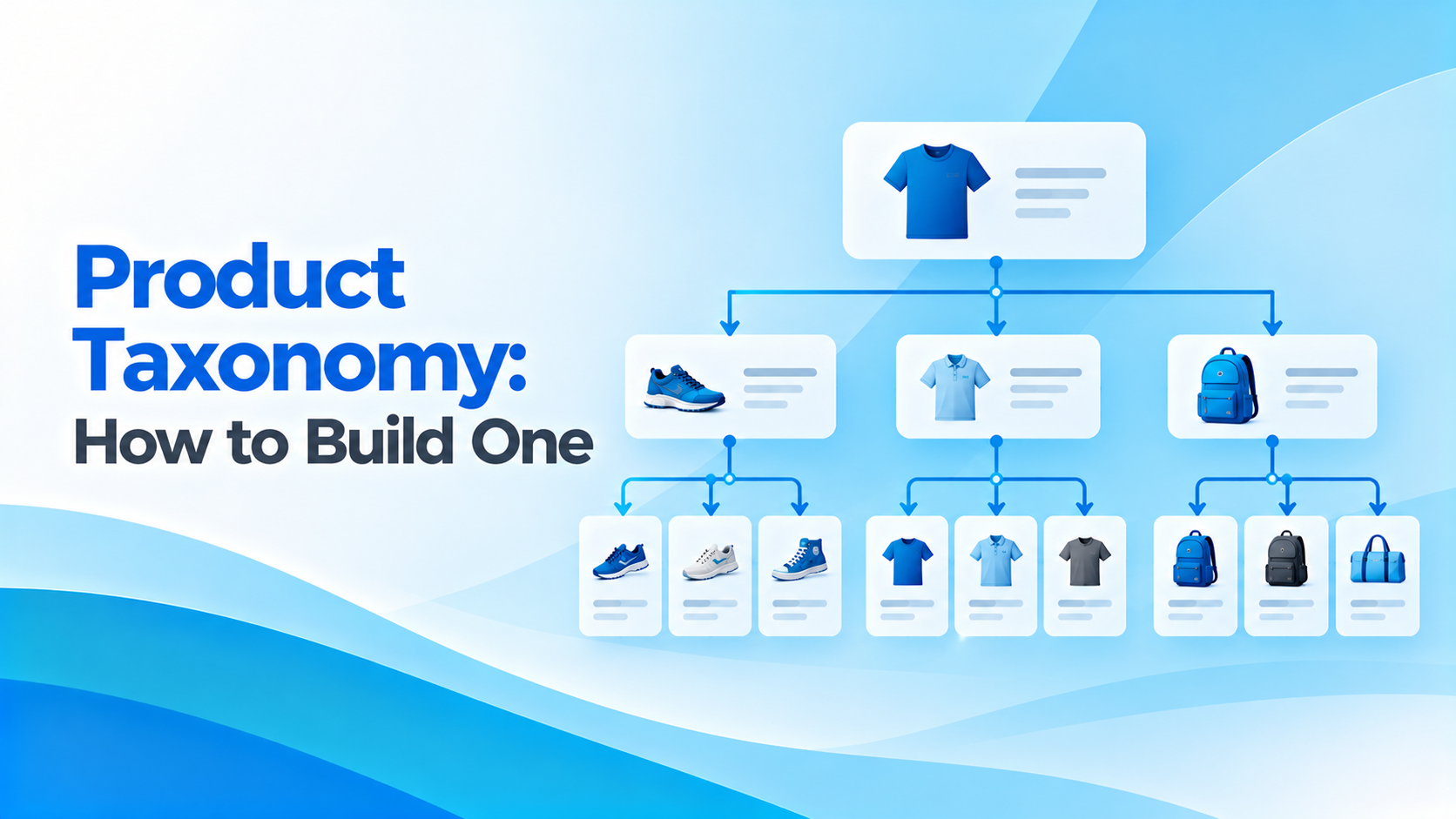
Product Taxonomy: How to Build One (with Examples)
A product taxonomy is a structure that groups your products into categories and defines each category’s attributes and naming rules. A good product taxonomy helps shoppers find products, powers filters and comparisons, and keeps your catalog consistent across channels.
This guide explains how to build a product taxonomy step by step, with examples, and how to manage it in a PIM.
What Is a Product Taxonomy?
A product taxonomy has three parts:
- A category tree: top-level categories, subcategories, and leaf categories, such as Tools > Power Tools > Drills.
- Attributes per category: the specifications that matter in each leaf category, such as voltage and chuck size for drills.
- Naming rules: how product titles and values are written, so the catalog reads consistently.
Product Taxonomy vs Data Model vs Navigation
| What it is | Who uses it | |
|---|---|---|
| Product taxonomy | How products are classified, with attributes per category | Product and data teams, channels |
| PIM data model | How products are stored: families, attributes, variants, relations | PIM and IT teams |
| Site navigation | The menu shoppers click, often simplified from the taxonomy | eCommerce and UX teams |
The taxonomy feeds both the PIM data model and navigation, but they aren’t the same.
How to Build a Product Taxonomy, Step by Step
1. Research how customers search for your product taxonomy
Look at site search terms, search engine queries, and competitor sites. Use the words customers use, not internal codes.
2. Define top-level categories
Keep them broad and mutually exclusive. Most catalogs need 5 to 15.
3. Set the depth
Two to four levels is enough for most catalogs. Deeper trees are harder to maintain and to navigate.
4. Define attributes for each leaf category
List the specifications shoppers filter and compare on, with units and allowed values. See product attributes.
5. Set naming rules for the product taxonomy
For example: Brand + Product type + Key attribute + Size. Apply them to every product in the category.
6. Map to channel taxonomies
Marketplaces and shopping ads have their own category trees. Map each leaf category to them once, so syndication is automatic. Google publishes its product taxonomy for this purpose.
7. Govern changes
Decide who can add categories and attributes, and review the product taxonomy regularly as your range changes.
Product Taxonomy Examples
Example 1: home improvement retailer
| Level | Example | Attributes at leaf level |
|---|---|---|
| Top level | Tools | |
| Category | Power Tools | |
| Leaf category | Cordless Drills | Voltage, battery type, chuck size, torque, number of batteries, weight |
Example 2: electrical distributor
| Level | Example | Attributes at leaf level |
|---|---|---|
| Top level | Installation Material | |
| Category | Cable Management | |
| Leaf category (ETIM class) | Cable ties | Length, width, material, color, temperature range |
The second example follows ETIM, a classification standard widely used in the electrical and technical wholesale sector. Using a standard saves time when exchanging data with suppliers and customers.
Product Taxonomy Standards
| Standard | Used in |
|---|---|
| GS1 GPC | Retail and GDSN product data |
| ETIM | Electrical, HVAC, plumbing and technical wholesale |
| ECLASS | Industrial and engineering products |
| UNSPSC | Procurement and spend analysis |
| Google product taxonomy | Google Shopping and many feed tools |
Many companies keep their own customer-facing taxonomy and map it to one or more standards in the PIM.
Managing a Product Taxonomy in a PIM
- Store the category tree and the attributes for each category in one place
- Inherit attributes from parent categories to avoid repetition
- Use completeness rules per category, so products are not published without key attributes
- Keep mappings to channel taxonomies and standards next to each category
- Track changes with workflows and history
A clean taxonomy pays off quickly. For a commercial lighting distributor, standardized product data led to 41% fewer zero-result searches and 36% better product findability.
Product Taxonomy for B2B vs B2C
B2C taxonomies are built around how shoppers browse: by room, occasion, style or need. B2B taxonomies are built around how buyers specify: by product type and technical attributes, often following a standard such as ETIM or ECLASS. Many companies need both views of the same products, which a PIM supports by keeping one product record with several classifications.
Facets and Filters: Where the Product Taxonomy Pays Off
Filters work only if every product in a category has the same attributes, units, and allowed values. That is why attributes belong to the taxonomy, not to individual products.
When a shopper filters cordless drills by voltage, every drill must have a voltage value, and “18V”, “18 V” and “18 volt” must be the same value.
Product Taxonomy and SEO
A clear taxonomy creates clear category pages, with names that match what people search for, and internal links that help search engines understand your catalog. Avoid near-duplicate categories that compete with each other, and keep category URLs stable when you reorganize.
Common Product Taxonomy Mistakes
- Organizing by supplier or internal department instead of how customers think.
- Too many levels, so products are buried and hard to maintain.
- Overlapping categories, so the same product could sit in two places.
- A catch-all “Other” category that keeps growing.
- Attributes defined per product rather than per category.
- No owner, so categories are added ad hoc and never cleaned up.
How to Move to a New Product Taxonomy
- Design the new tree and attributes, and test them with real products.
- Map every old category to a new one.
- Map old attribute values to the new allowed values.
- Reclassify products in the PIM, using rules for the bulk and people for the exceptions.
- Redirect old category URLs to the new ones.
- Retire the old tree only when every channel uses the new one.
Moving to a new taxonomy is often part of a wider PIM project. See our PIM data migration checklist.
Product Taxonomy Checklist
- Categories named in customers’ language
- Two to four levels, with no overlapping categories
- No catch-all “Other” category
- Attributes, units, and allowed values defined for every leaf category
- Naming rules for product titles in each category
- Mappings to marketplace and channel taxonomies
- Mappings to the standards your customers use (GS1 GPC, ETIM, ECLASS)
- An owner and a change process
Keeping a Product Taxonomy Healthy
A taxonomy decays as ranges change. Review it at least twice a year.
Look for categories with very few products (merge them), categories with too many (split them), attributes that are rarely filled (remove or make optional), and site searches that return nothing (add synonyms or categories). In a PIM, completeness reports by category and unused-attribute reports make this review quick.
Also watch for new channels. Each new marketplace or retailer brings its own category tree.
Map to it once at category level, and every product in that category is ready to syndicate.
Product Taxonomy: FAQ
What is a product taxonomy?
The structure that groups products into categories and defines each category’s attributes and naming rules.
How many levels should a product taxonomy have?
Two to four levels are enough for most catalogs. Deeper trees are harder to maintain and navigate.
What is the difference between a taxonomy and a category tree?
The category tree is one part of the taxonomy. The taxonomy also defines attributes and naming rules for each category.
Should I use a standard like ETIM or GS1 GPC?
If your customers, suppliers, or channels use a standard, map to it. Many companies keep their own customer-facing taxonomy and map it to standards in the PIM.







Tags: