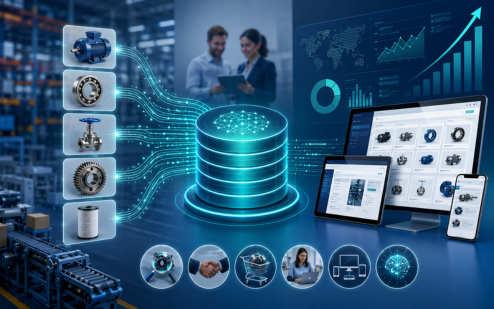
Trusted by Best
Choosing Credencys means partnering with a team that’s deeply committed to unlocking the true value of your data. Here’s why industry leaders trust us:


Pimcore Strategic Partner · 80+ certified Pimcore experts · Syndigo partner · Semarchy partner
50+
Enterprise Clients
100%
Certified Consultants
15+
Years Experience
4.9/5
Client Satisfaction
When a PIM Migration Is Due
Most teams call us in one of these situations. A first release typically takes 3 to 6 months; larger programmes run 6 to 12 months or more. Not ready to talk yet? Start with the free PIM data migration checklist.
“Our PIM is old, heavily customised, and the people who built it have left.”
Legacy PIM replacement or Pimcore upgrade. An old Pimcore version or a legacy PIM full of custom code and outdated integrations. Every change is risky, and support is ending. It needs an upgrade or a move to a current platform.
“Our current partner is not meeting expectations. We need a team to take over.”
Failed or incomplete PIM implementation. An implementation that stalled or went live half done. We find the root problems, stabilise the product data, and then fix, restructure or migrate the platform.
“We're moving from Akeneo, Salsify or inRiver to another PIM.”
PIM-to-PIM migration (replatforming). Product models, variants, relationships, assets and channel mappings have to be rebuilt in the new platform, not copied blindly, and the integrations have to follow.
“Our product data lives in the ERP and dozens of spreadsheets.”
ERP or spreadsheets to PIM. Specs in engineering files, copy in marketing sheets, images on a shared drive. Your first PIM has to bring it together and decide which value is right.
“After the acquisition we run two PIMs, two taxonomies and two sets of feeds.”
Multiple PIMs to one, after mergers and acquisitions. Brands, regions or business units each built their own product data. You need one model and one platform, and matching rules that decide which record and which values survive where both catalogs hold the same product.
“Our product database was built in-house, on our own servers.”
Custom or on-premise product database to cloud PIM. A custom catalog system or an on-premise database that only a few people understand. Moving it to a cloud PIM means mapping years of rules nobody wrote down.
What You Get From the Call
In 30 minutes, a senior PIM consultant from our data practice (150+ data experts, 15+ years of experience) looks at what you need to move and what to do first. You need nothing prepared. A list of your systems helps.
Your Sources and Data Today
Where your product data lives now (old PIM, ERP, spreadsheets, databases), how clean it is, and which systems depend on it.
The Right Target Platform
Chosen already, or still deciding. If you have not chosen, we start from your requirements. We partner with Pimcore and Syndigo and give independent advice on Akeneo, Salsify, inRiver and Stibo STEP, so the call is not a pitch for one platform.
An Outline of Your Migration
What to clean first, what moves in which wave, how cutover could work for your channels, and the main cost drivers to plan for.
No Obligation
The call is free. If you want help afterwards, we send a proposal for your scope. There is no commitment.

Manish Shewaramani, VP Sales
Your first contact. Manish personally reviews every request and guides you through your call with a senior PIM consultant.
Our PIM Migration Services
Everything from the first assessment to the weeks after go-live. We can run the whole migration or the parts you need. Migration is often part of a wider PIM implementation and one of our end-to-end PIM services.
PIM Migration Assessment & Strategy
Know the scope, the risks and the order of work before any data moves.
- Current-state review of your PIM, sources, processes and workflows
- Inventory of every product data source
- Data quality analysis
- Map of the integrations that depend on the PIM
- Scope, migration waves, risk and cutover assessment
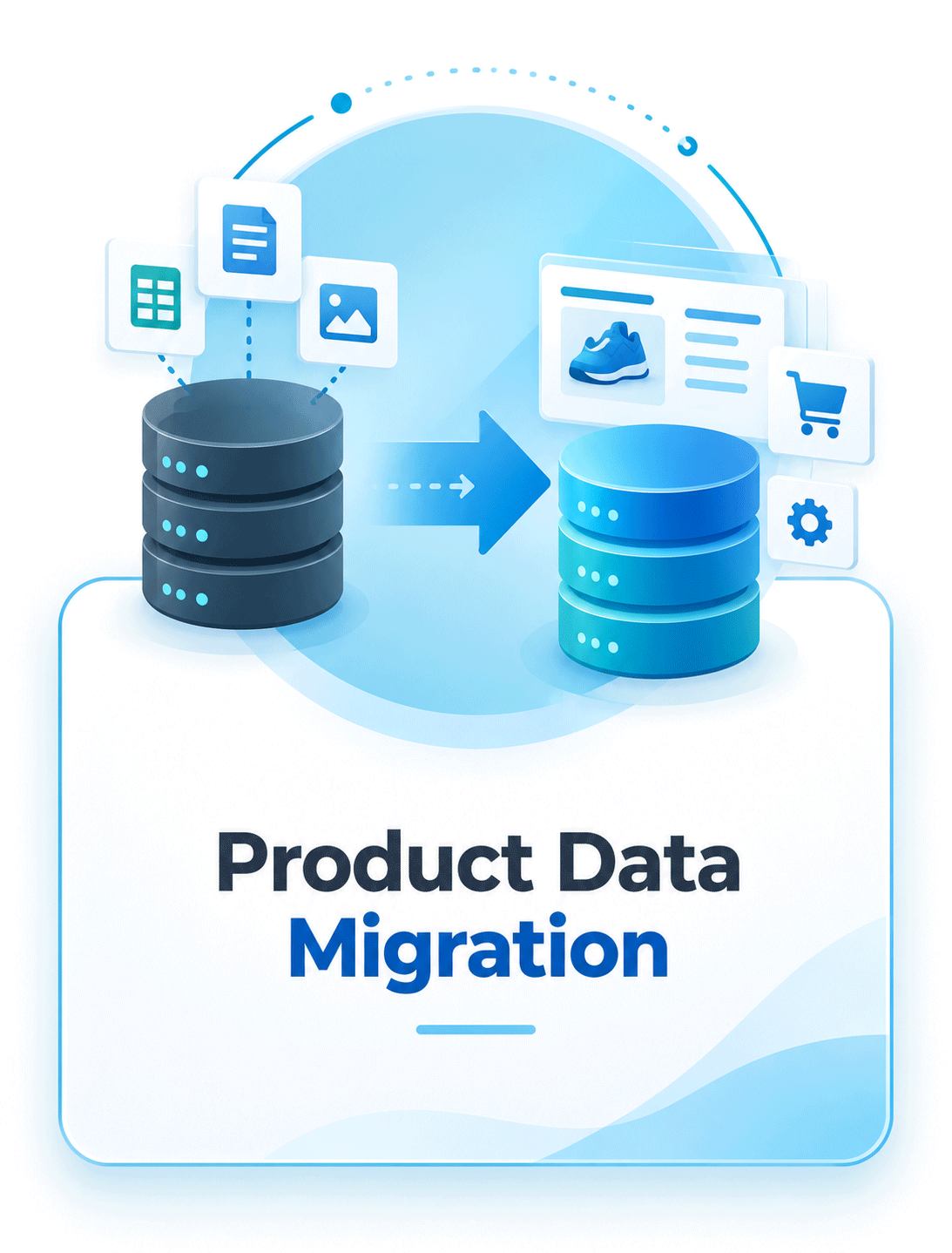
Product Data Migration
Your structured product data moves from a legacy PIM, ERP, spreadsheets or a custom database into the new platform.
- Products, SKUs, attributes and descriptions
- Variants, categories, classifications and product families
- Product relationships
- Localized, supplier and channel-specific content
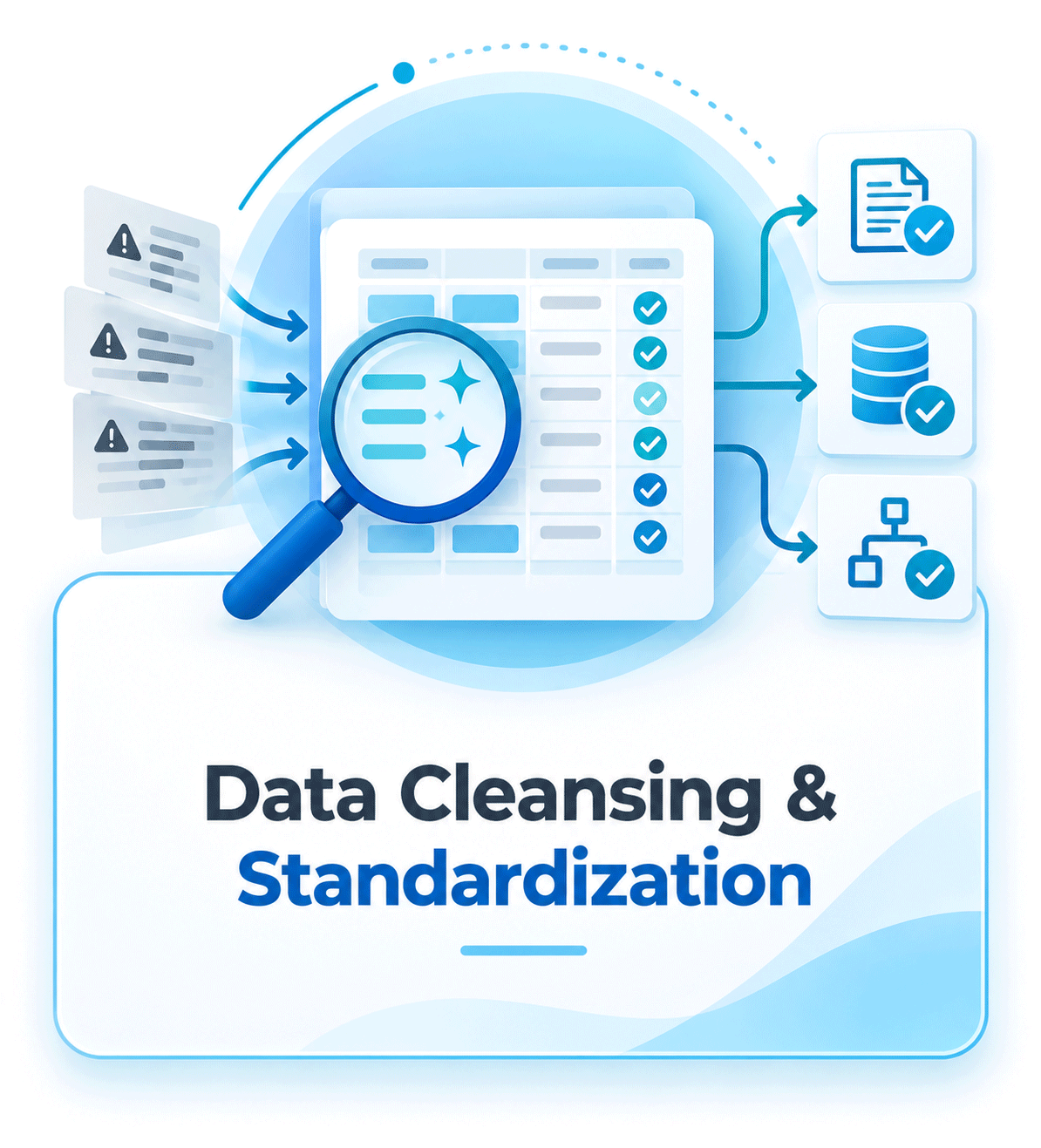
Data Cleansing & Standardization
Fix the data on the way, so old problems do not move into the new PIM.
- Remove duplicates and obsolete records
- Normalize values and standardize units of measure
- Correct inconsistent terms
- Find incomplete records and check required attributes
- Controlled values for the new model
Our product data quality services run alongside the migration.
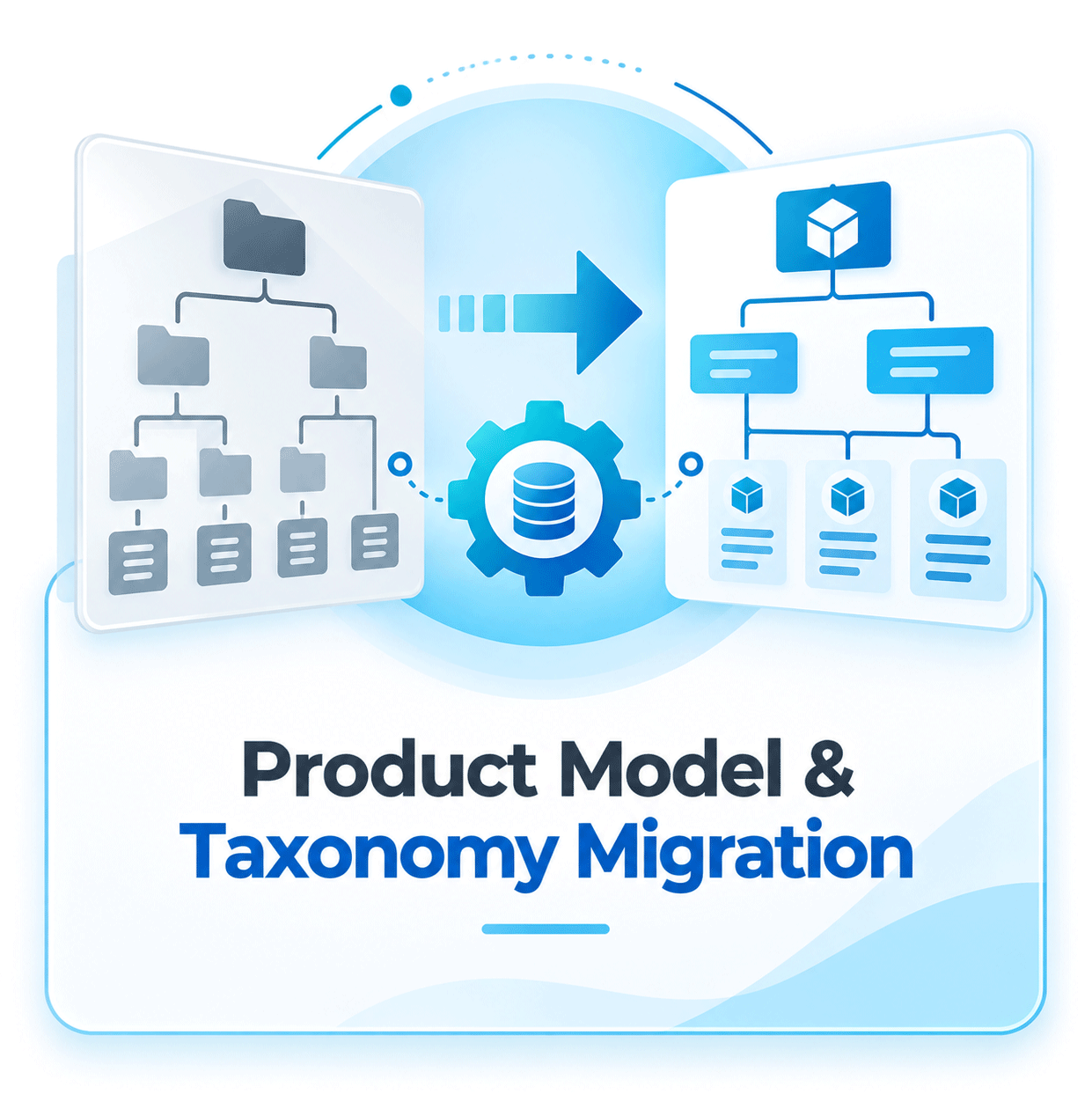
Product Model & Taxonomy Migration
A product structure that fits how you sell today, not how the old system was set up.
- Category and taxonomy mapping
- Product families and attribute groups, redesigned where needed
- Parent-child hierarchies and inheritance rules
- Relationship mapping and classification changes
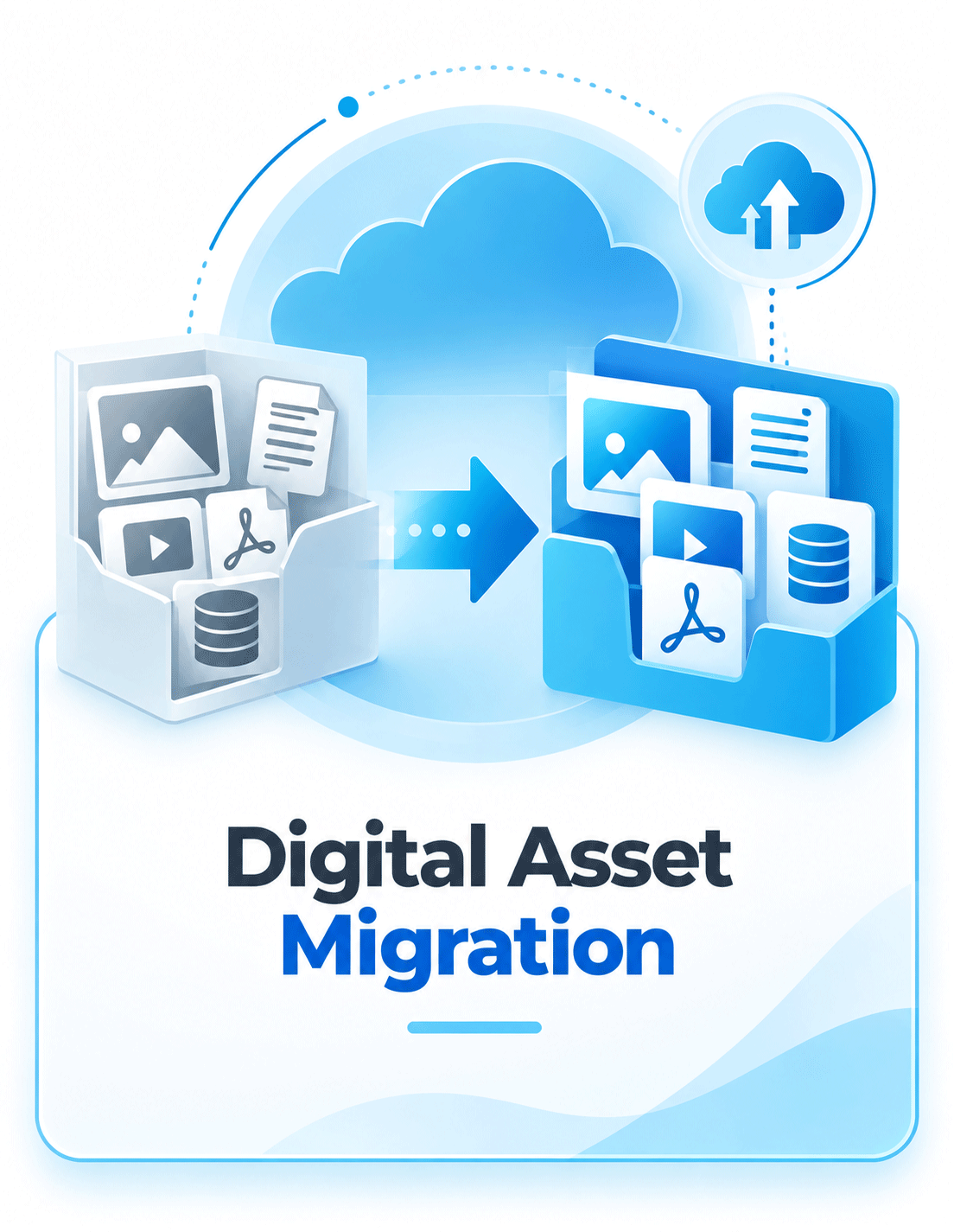
Digital Asset Migration
Every image and document stays attached to the right product and variant.
- Product and lifestyle images, videos
- Datasheets, manuals, certificates and drawings
- Marketing documents
- Product-to-asset links and DAM metadata
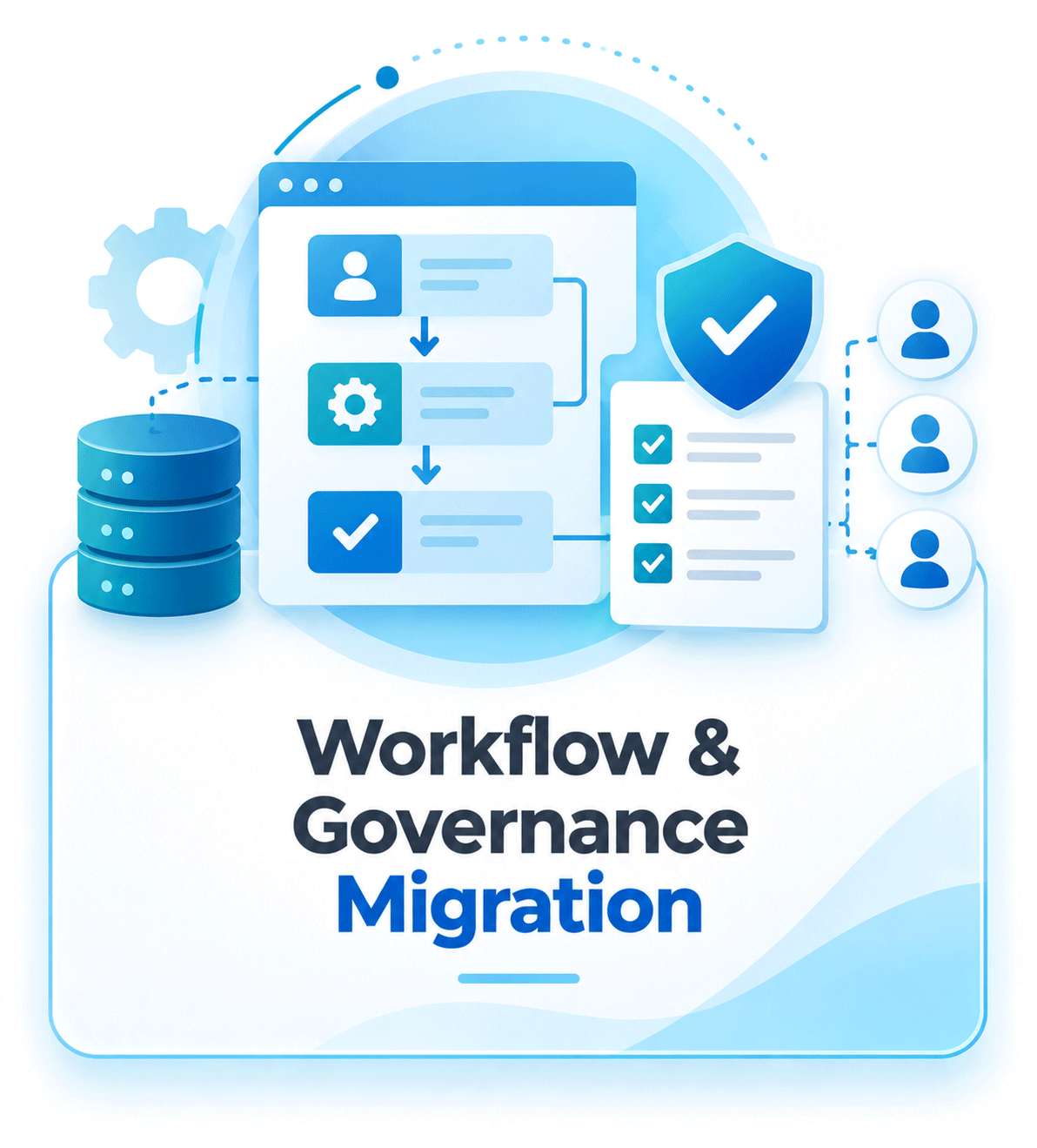
Workflow & Governance Migration
The people and rules that keep product data reliable come across too.
- Product ownership, user roles and permissions
- Enrichment and approval workflows
- Validation and completeness rules
- Data governance processes
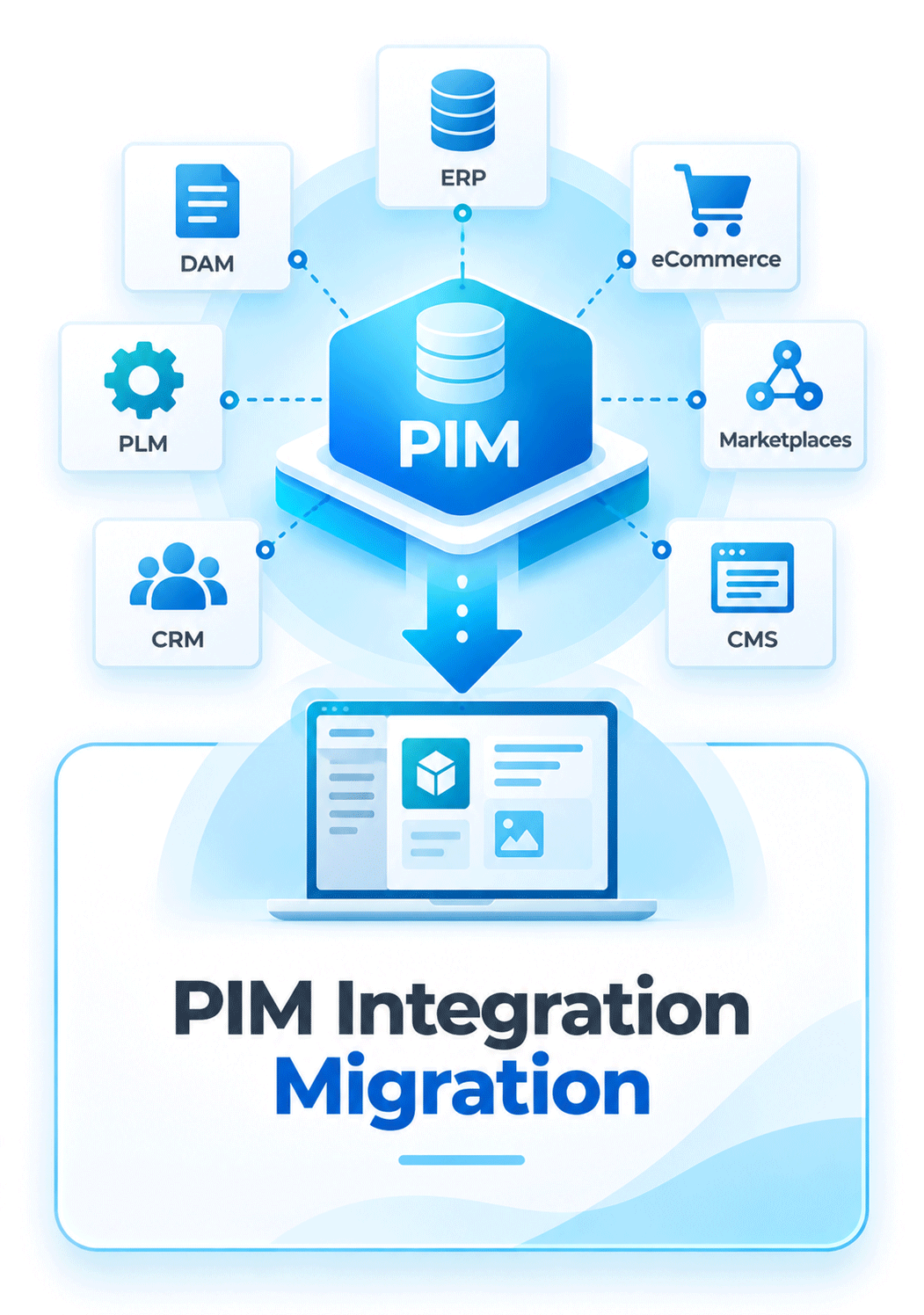
PIM Integration Migration
The systems around the PIM keep receiving and sending data after the switch.
- ERP, PLM, MDM and supplier systems
- eCommerce, marketplaces, CMS and CRM
- DAM
- Middleware, data warehouses and custom APIs
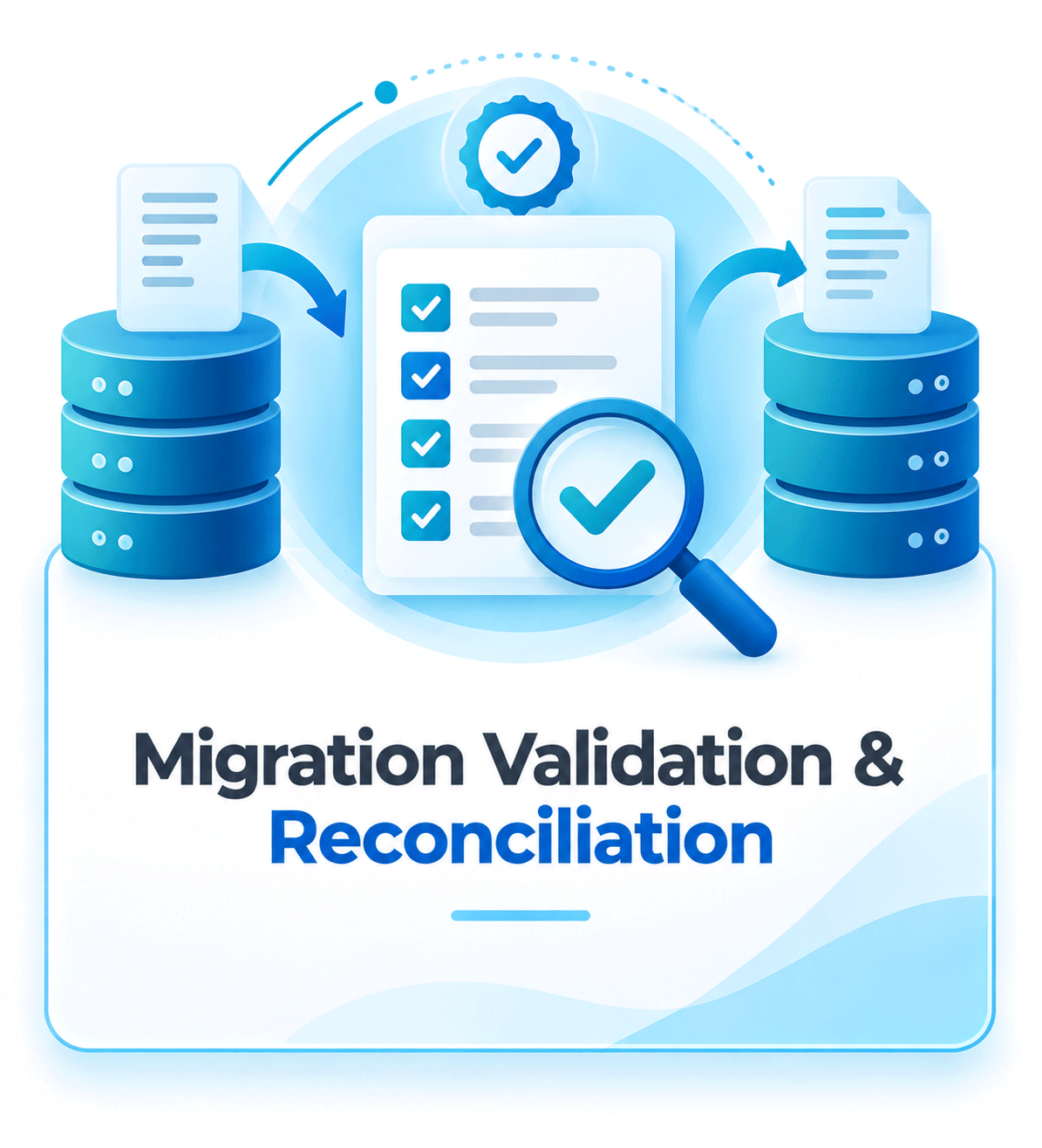
Migration Validation & Reconciliation
Proof that everything arrived before anyone depends on the new system.
- Record-count reconciliation and field-level checks
- Product relationship and asset link checks
- Taxonomy validation
- Integration and channel-output testing
- User acceptance testing
What We Migrate in a PIM Data Migration
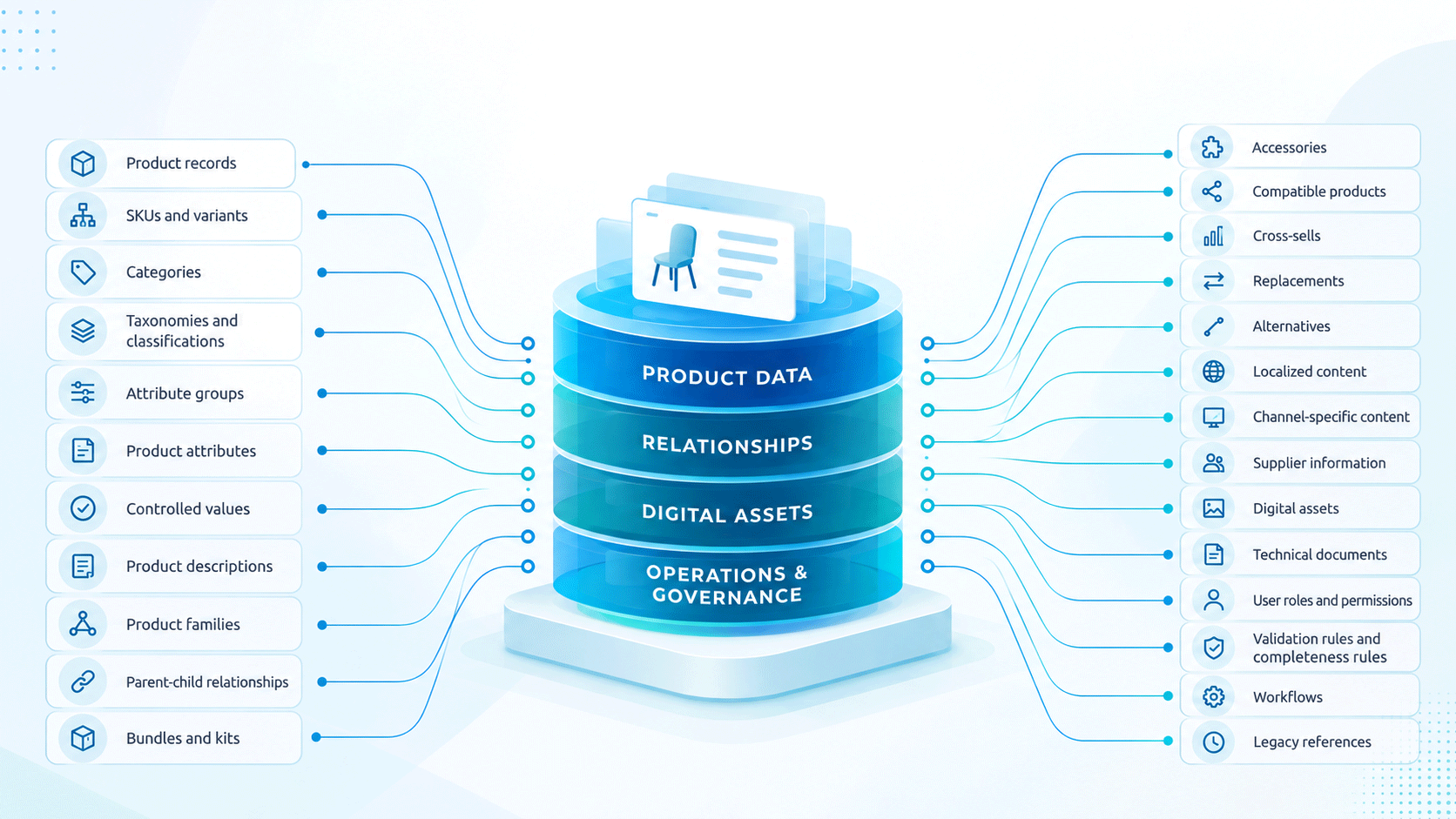
A PIM data migration, like any product data migration, moves six kinds of data, depending on your sources and the target platform:
- Product records: SKUs, attributes, descriptions, variants and translations
- Structure: categories, classifications, families, hierarchies and inheritance
- Relationships: accessories, spare parts, replacements, bundles and compatibility
- Assets: images, videos, datasheets, manuals and certificates, still linked to the right SKU
- People and rules: users, roles, workflows, validation and completeness rules
- Connections: the feeds to and from ERP, DAM, eCommerce and marketplaces
Common PIM Migration Paths
We know the systems you leave and the ones you move to. Moving to Pimcore? See our Pimcore implementation services.
Akeneo to Pimcore
Families, attributes, product models and variants, associations and assets are mapped to Pimcore classes, migrated and validated, then the integrations are rebuilt. Akeneo identifiers and codes are carried across and mapped, so the feeds that depend on them keep matching the same products. Moving into or out of Akeneo? See our independent Akeneo consulting.
Salsify to Pimcore or Syndigo
Product content and channel mappings move across while syndication to your retailers keeps running. See our independent Salsify consulting and Syndigo implementation.
inRiver to Pimcore
Entities and links are re-modelled, data and assets migrated, and channel outputs tested before the switch. See our independent inRiver consulting.
Spreadsheets or ERP to PIM
Migrating to a PIM for the first time: product data from the ERP, spreadsheets and shared drives is brought together, duplicates are removed, one value is agreed where sources disagree, and the data is structured in a new product model. If the platform is not chosen yet, that comes first.
Legacy PIM to Syndigo
Product data, taxonomy, assets and relationships are mapped to Syndigo's model, migrated in test loads and reconciled, and the workflows and integrations are rebuilt. See our Syndigo implementation services.
Pimcore Version Upgrade
Our Pimcore migration services also cover version upgrades, for example from 6.9 to 11. Custom bundles and integrations are reviewed first: what is still needed is rebuilt for the new version and the rest is retired, so less custom code moves forward.