Trusted by Best
Choosing Credencys means partnering with a team that’s deeply committed to unlocking the true value of your data. Here’s why industry leaders trust us:


Pimcore Strategic Partner · 80+ certified Pimcore experts · Syndigo partner · Semarchy partner
50+
Enterprise Clients
100%
Certified Consultants
15+
Years Experience
4.9/5
Client Satisfaction
When to Bring In a PIM Integration Partner
Most teams call us in one of these situations. If one sounds like yours, a 30-minute call is worth your time.
“The same product is typed into three systems.”
The SKU, specifications and descriptions are kept separately in the ERP, the PIM, the web store and spreadsheets. Each copy drifts, and nobody has time to compare them.
“We keep systems in sync with CSV exports.”
Someone exports from SAP or NetSuite, fixes the file by hand and uploads it to the PIM or the store. When that person is away, updates stop.
“Nobody agrees which system is right.”
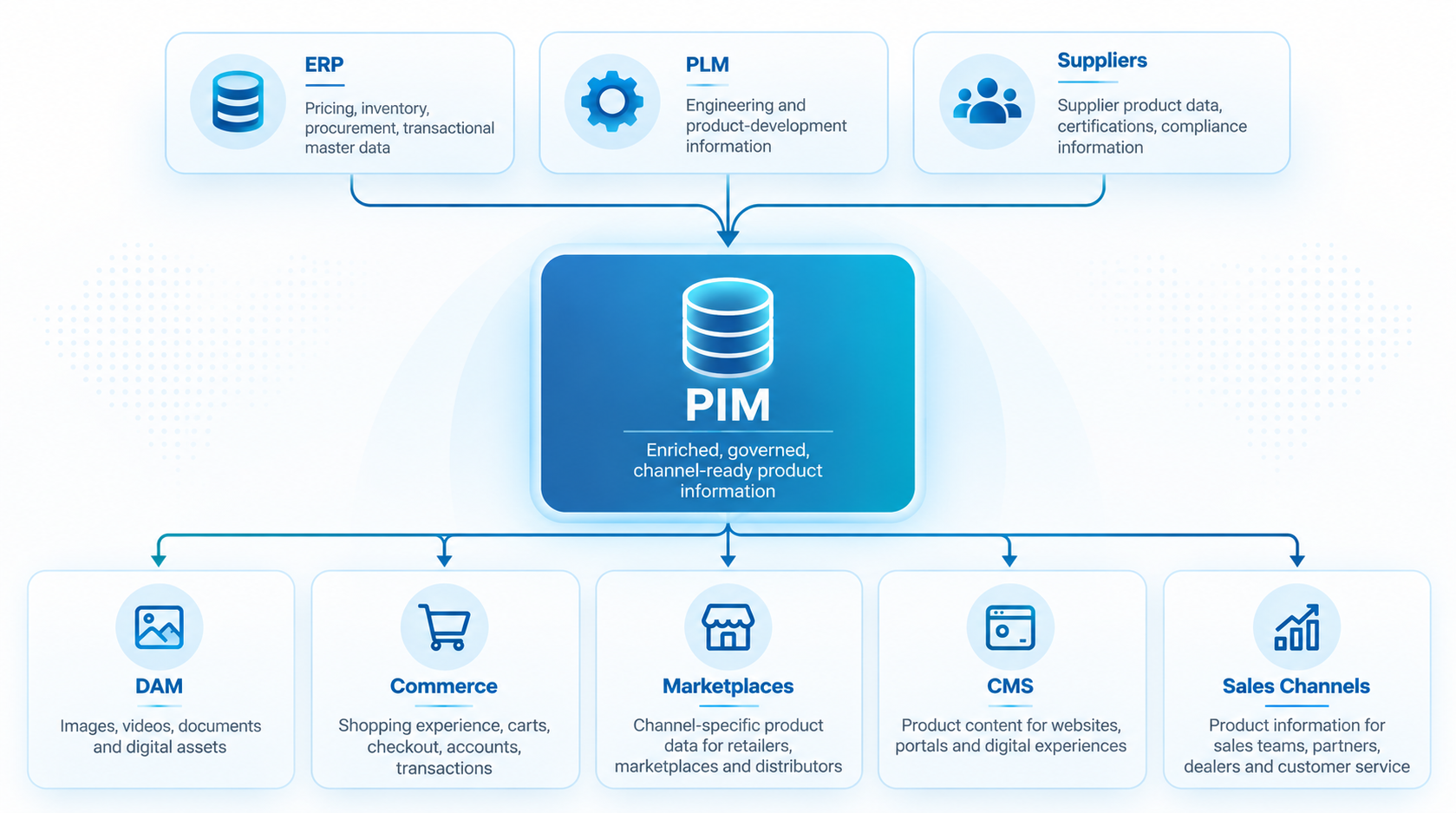
ERP, PLM, PIM, DAM and the store each hold a different value for the same product, because no one has decided which system owns which data.
“Updates take days to reach the website and marketplaces.”
A change is approved, then waits for the next export. Variants, images or required fields go missing on the way, and listings go live incomplete or not at all.
“Every new connection breaks an old one.”
Point-to-point links worked for two systems. With more suppliers, markets, brands and sales channels they are hard to maintain, and nobody wants to touch them.
“We’re moving off a legacy PIM or in-house system.”
Years of product data, images and relationships have to move to the new PIM while the business keeps running. We clean, map and check the data before the switch.
What You Get From the Call
In 30 minutes, a senior consultant from our PIM practice, which has 150+ data experts and 15+ years of experience, looks at the systems you need to connect or the data you need to move, and what to do first. You need nothing prepared. A list of your systems helps.
Your Systems and Data Flows Today
Where product data starts, where it is copied by hand today, where it has to arrive, which system should own what, and whether your product data is ready for AI agents, including Pimcore’s.
The PIM You Have, or the One You Need
Pimcore, Syndigo, Akeneo, Salsify, inRiver or a custom PIM: we work with what you run. Still choosing? We partner with Pimcore and Syndigo and give independent advice on Akeneo, Salsify, inRiver and Stibo STEP.
A Rough Roadmap
What to connect or migrate first, what it depends on, and the main cost drivers to plan for.
No Obligation
The call is free. If you later want help, we send a proposal, but the call itself is not a sales pitch.

Manish Shewaramani, VP Sales
Your first contact. Manish personally reviews every request and guides you through your call with a senior PIM consultant.
Our PIM Integration Services
Six kinds of connection between your PIM and the systems around it. We can build one, or the whole set.
PIM ERP Integration
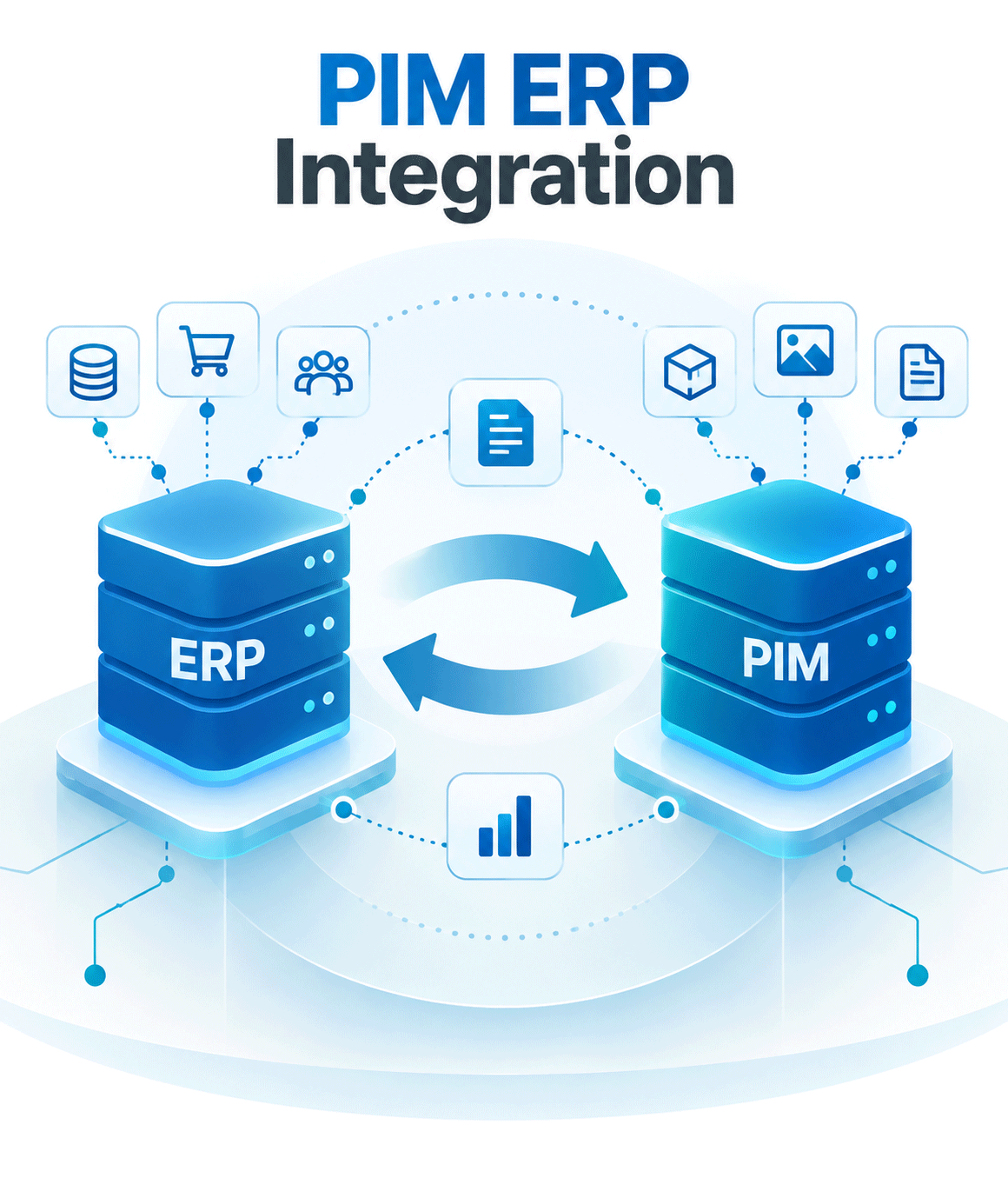
New items and changes flow from your ERP into the PIM without re-keying. We first agree what stays mastered in the ERP and what is enriched in the PIM.
- Product records created and updated automatically
- SKUs, material numbers, suppliers, status and reference data kept in sync
- One-way or two-way flows, depending on what each system owns
- Validation rules and a clear process for exceptions
- SAP, NetSuite, Microsoft Dynamics 365, Oracle and custom ERPs
By system: SAP PIM integration, NetSuite PIM integration, Microsoft Dynamics 365 PIM integration
PIM eCommerce Integration
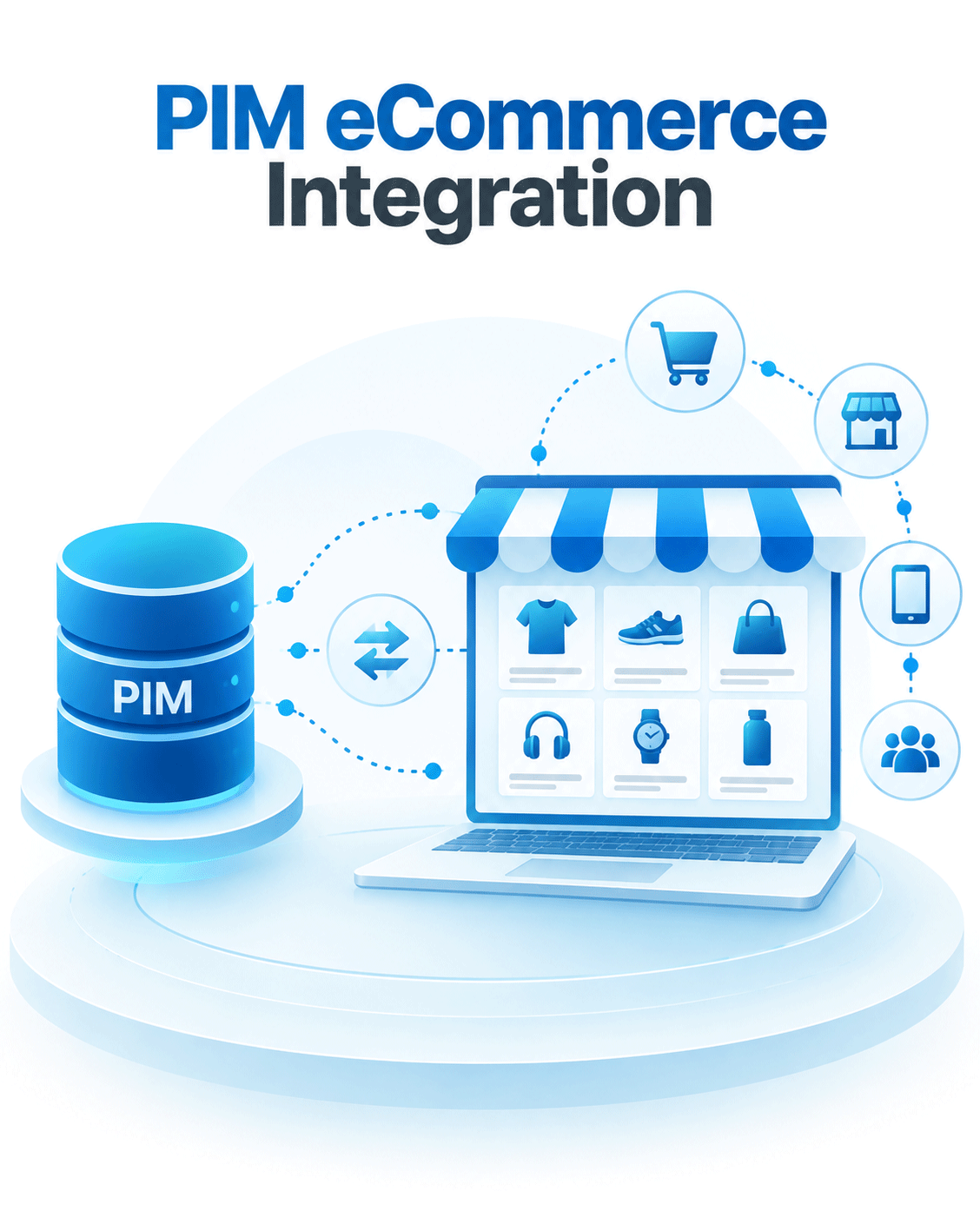
Complete product content reaches your store without manual catalog upkeep. We connect the PIM to Shopify, Adobe Commerce, Salesforce Commerce Cloud, commercetools, BigCommerce, WooCommerce and custom stores.
- Titles, descriptions, attributes, variants and images kept in sync
- Several storefronts, brands and markets from one PIM
- New products and updates published automatically
- Localized and channel-specific content
- Works with a PIM and store you already run
By platform: Shopify PIM integration, Magento PIM integration, BigCommerce PIM integration, WooCommerce PIM integration, Salesforce Commerce Cloud PIM integration
PIM DAM Integration
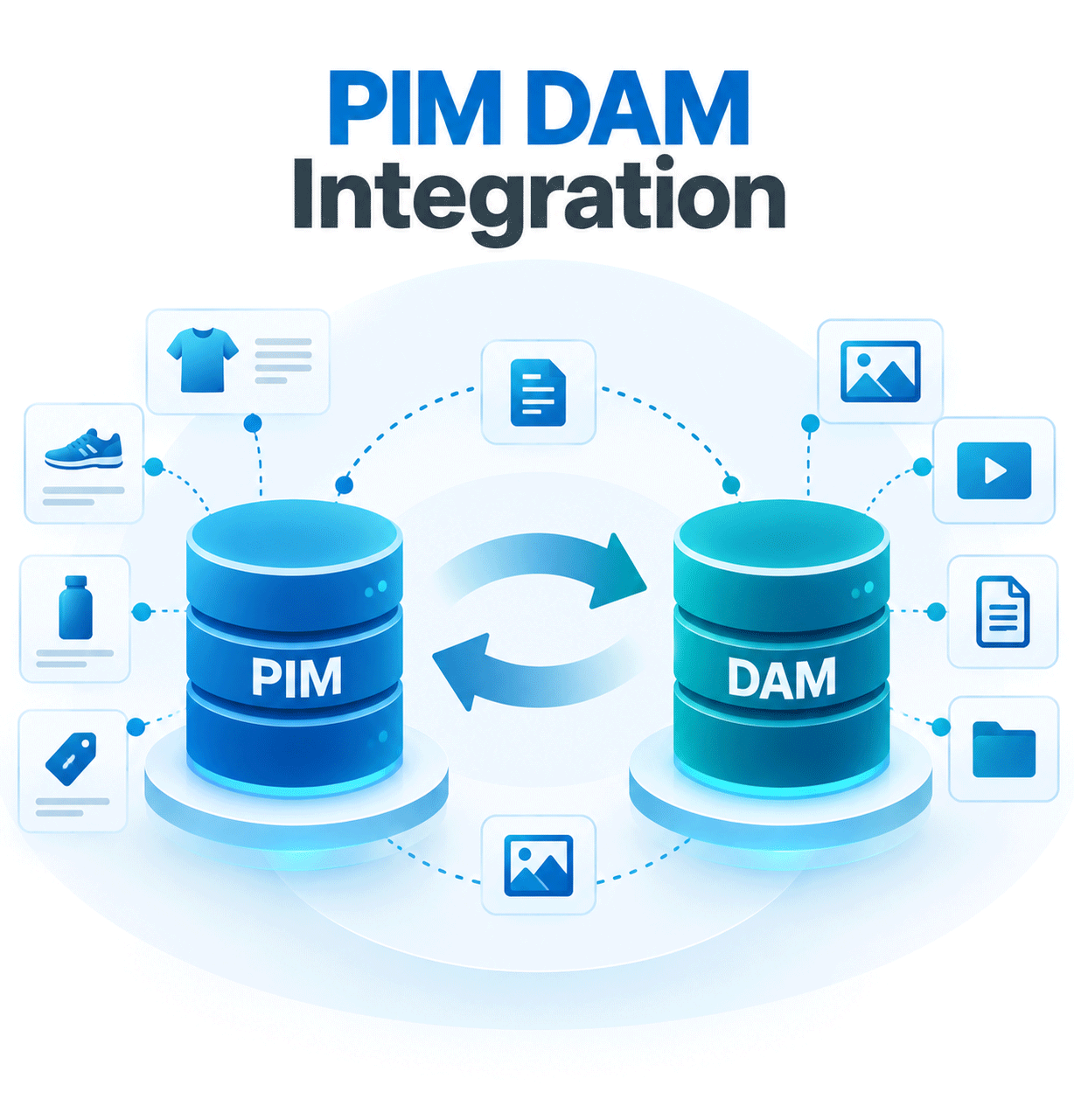
Every product carries the right approved images, documents, videos, drawings and certificates.
- Products linked to their approved assets
- Product-to-asset relationships kept intact
- Asset metadata kept in sync
- Asset versions and publication status under control
- The correct assets delivered to each channel
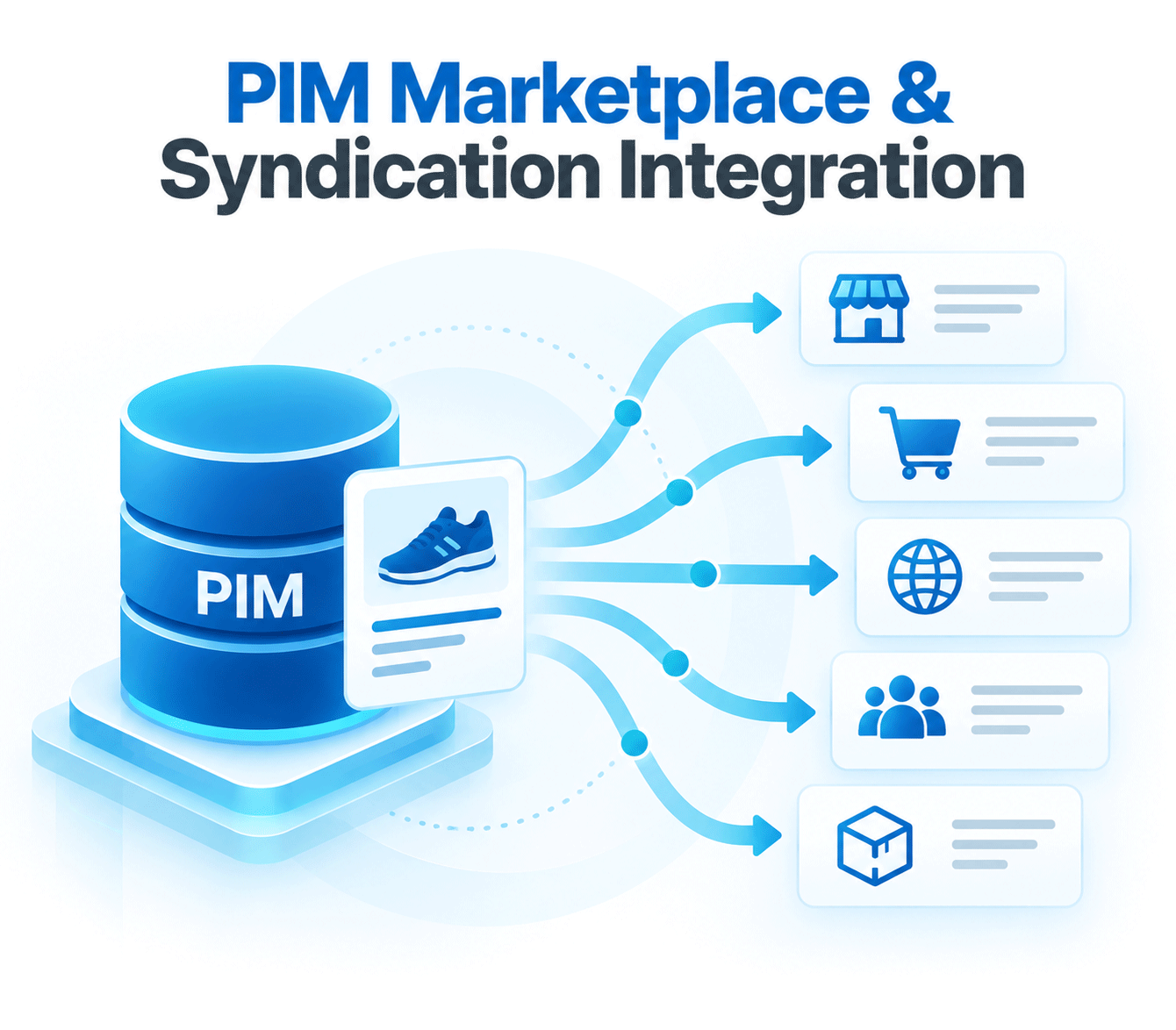
PIM Marketplace & Syndication Integration
Your product data arrives in the format each marketplace, retailer, distributor and trading partner asks for, including standards such as ACES and GDSN.
- Your attributes mapped to each channel’s template
- Channel-specific checks before anything is sent
- Categories and taxonomies converted for each channel
- Fields each channel requires are filled
- Product content sent automatically
- Failed or incomplete records flagged so they get fixed
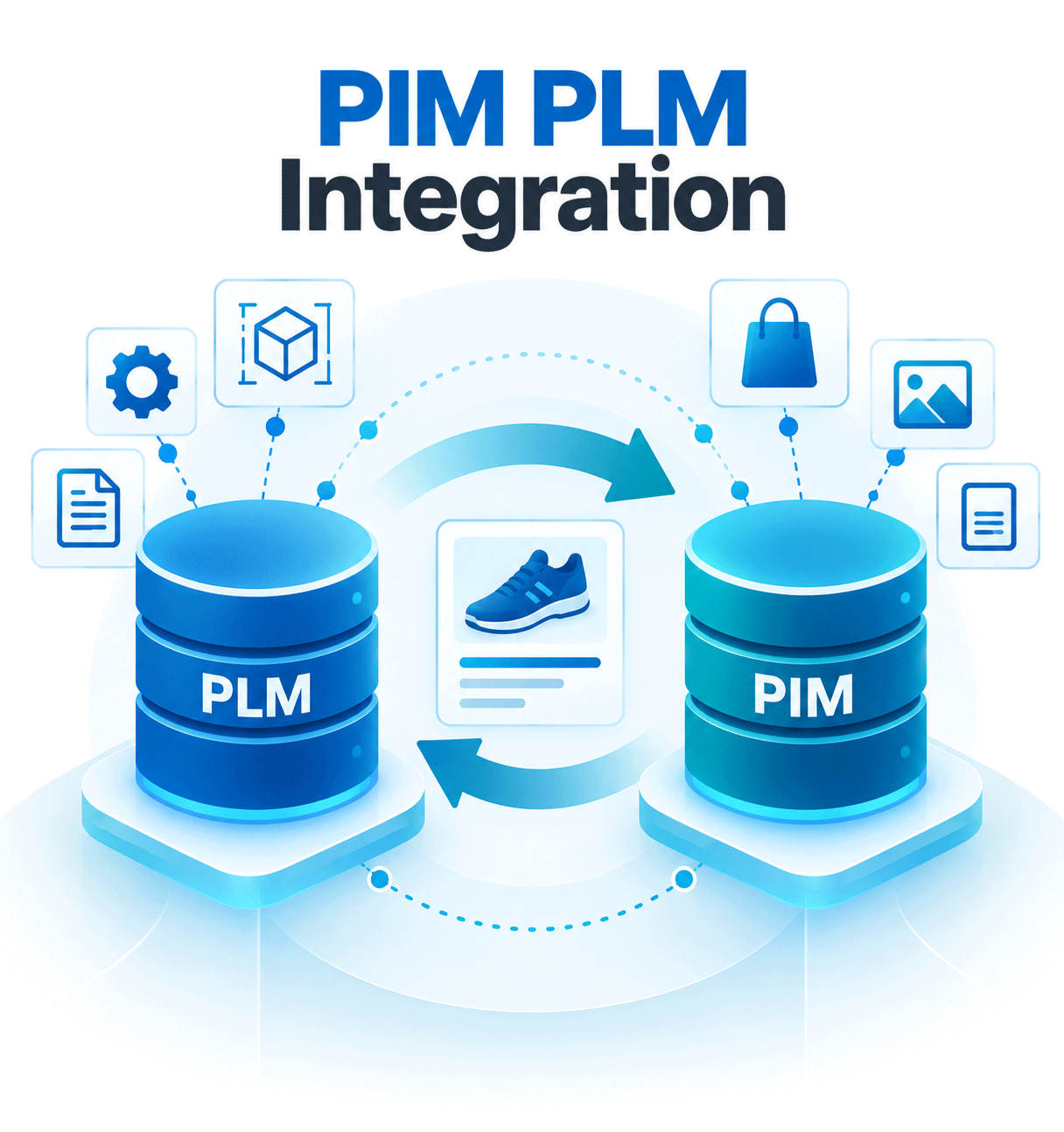
PIM PLM Integration
Engineering-approved data reaches marketing, sales and distributors without being typed again. PLM keeps governing product development and engineering information; the PIM manages the enriched, market-facing content.
- Technical specifications kept in sync
- Approved engineering attributes transferred
- Product families and variants connected
- A clear hand-off from engineering to commercial teams
- Less repeated manual data entry
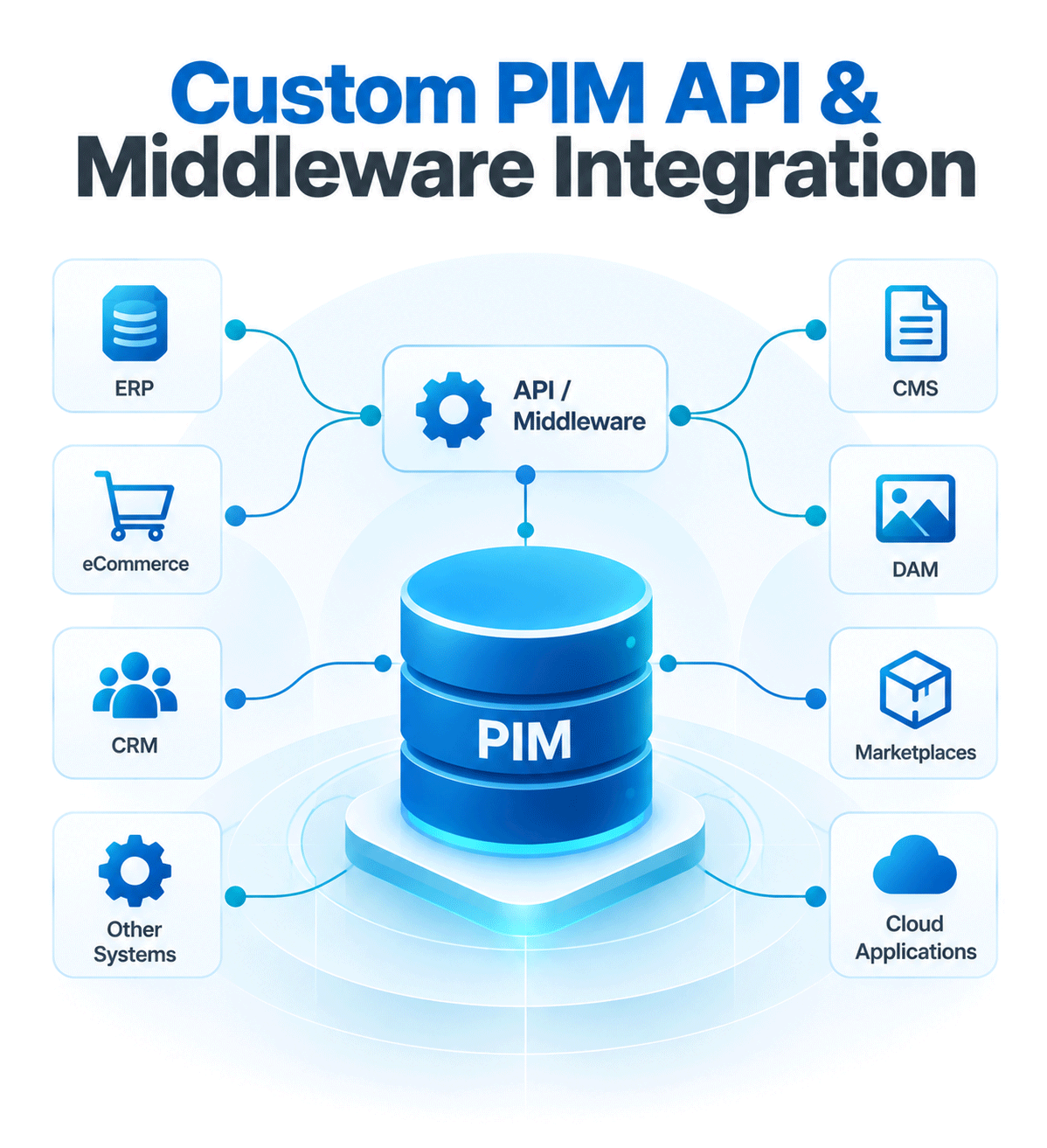
Custom PIM API & Middleware Integration
When no ready-made connector fits, we build the connection around your systems, data volumes, sync needs and business processes.
- REST and other API-based integrations
- Middleware or an integration platform (iPaaS), such as Dell Boomi and Azure integration technologies
- Batch and file-based interfaces, including scheduled feeds
- Event-driven data flows and message queues
- Custom connectors, including for legacy systems
- Integration monitoring and exception handling
PIM Migration: Moving Product Data Out of a Legacy System
Replacing a legacy PIM, an in-house database or a set of spreadsheets? Migration belongs to the same job: the data has to be right before it starts flowing between systems. This is how we move it.
1. Profile
Before anything moves, we look at what you have: duplicates, gaps, conflicting values and fields nobody uses.
2. Clean and Standardize
Names, units and values are made consistent, so you do not carry old problems into the new PIM.
3. Map
Old fields, categories and product identifiers are mapped to the new data model, including variants and parent-child relationships.
4. Move Images and Relationships
Images, documents and product relationships such as accessories, spare parts and kits move with the products they belong to.
5. Check Before the Switch
We check that what arrived in the new PIM matches the source before the switch.
6. Plan Around What Cannot Stop
In discovery we identify the workflows the business cannot stop, and plan the migration around them.